Estimating & price book
Guide 3 of 18
What it's for
The AI figures machine hours from your production rates, and picks between similar items using your notes. A note like spreads about 20 tons an hour, or use the day rate past 6 hours, turns a guess into your number.
Where
Price book › any item › the small box under the item's name.
Watch it
Steps
Find the item in Price book. Under its name is a second, smaller box with the hint Notes for the AI: production rate, density, when to use. Starter items already have a note in it.
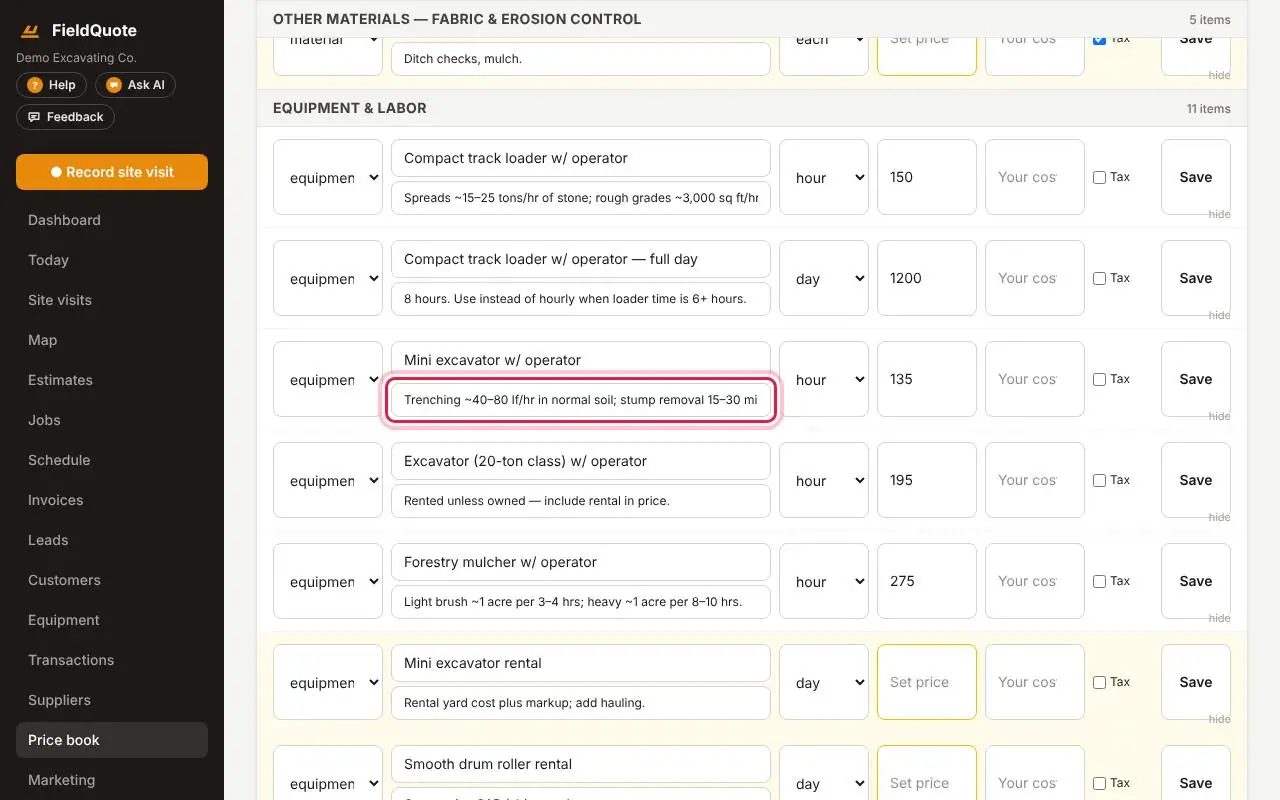
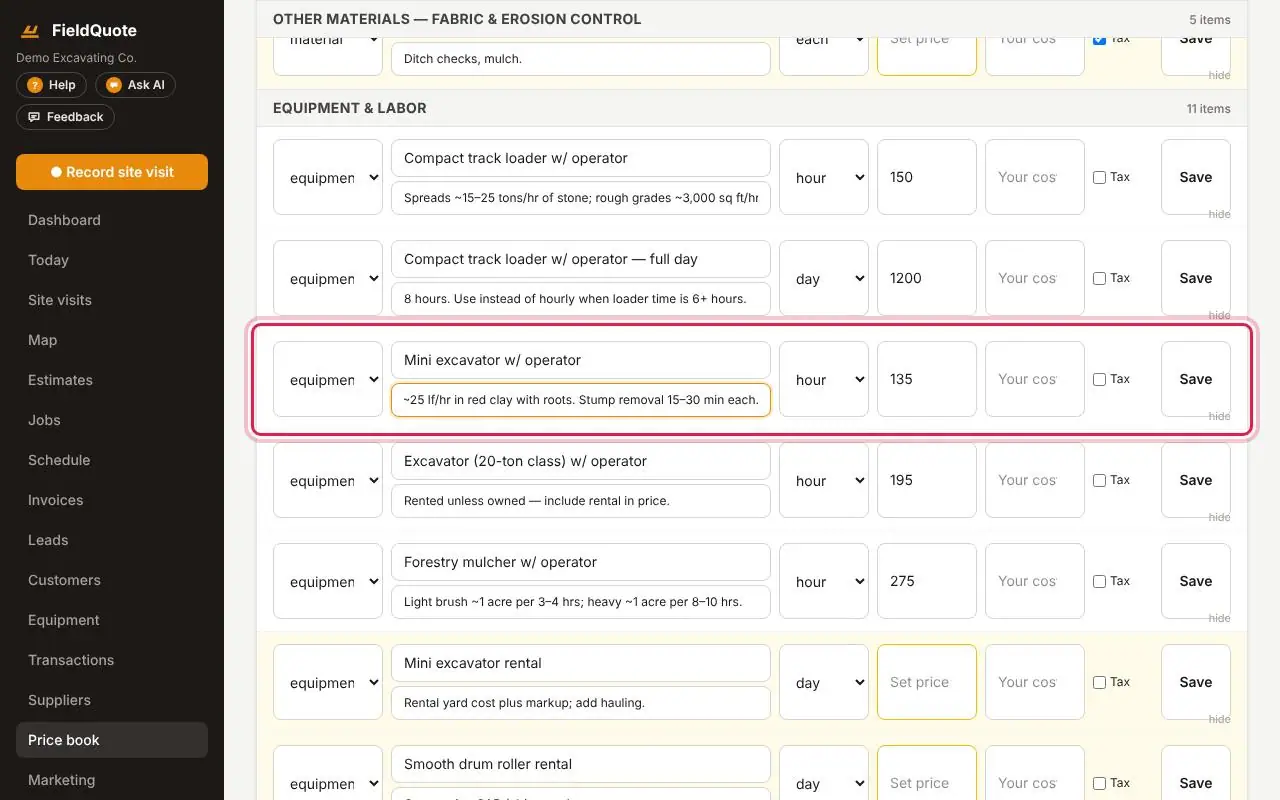
Type what the estimator should know: how much the machine does in an hour, how many tons are in a yard, when to use this item instead of another.
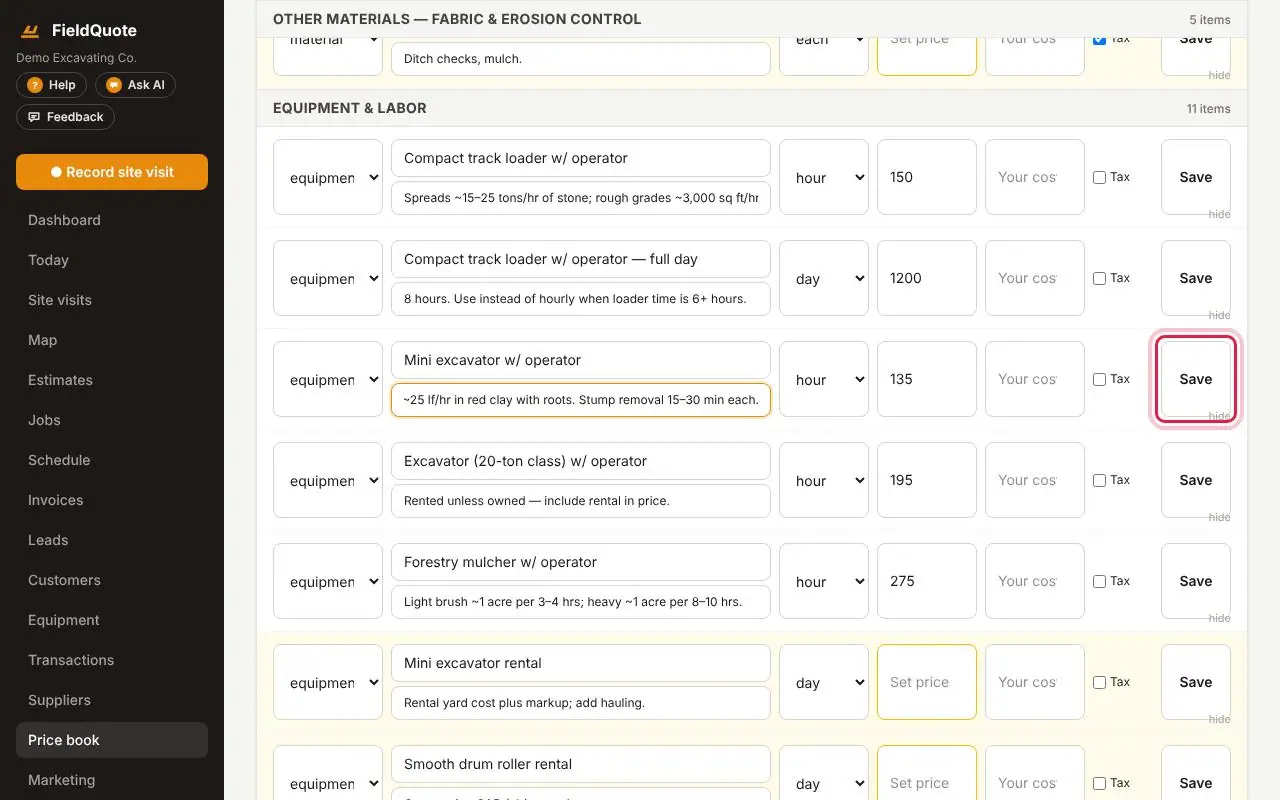
Tap Save on that row.
What you'll see
Nothing changes on screen except the saved note. The next estimate the AI drafts reads every item's unit, price and notes.
On the drafted estimate, the reason under each line says why it's there. For machine time it usually says how the hours were figured.
Common mistakes
Writing prices in the notes. The AI always takes the price from the Price box, never from the notes.
Expecting an estimate that's already drafted to change. Notes are read when a draft is made. On the visit, tap Generate another estimate to use new notes.
Limits
Only the owner or an admin can change the price book. Team members see the prices grayed out, without Add item or hide, and "View only. Only the owner or an admin can change this."
Customers never see these notes.
Notes are read only for items that aren't hidden.
The website price tools and the clearing calculator don't read these notes. They use their own settings.
Checked against the app on Nov 9, 2026. Pictures are from Demo Excavating Co., a made-up company.