Invoicing & online payments
Guide 12 of 12
What it's for
Cancel an invoice that shouldn't exist (a duplicate, the wrong customer) without losing the record of it.
Where
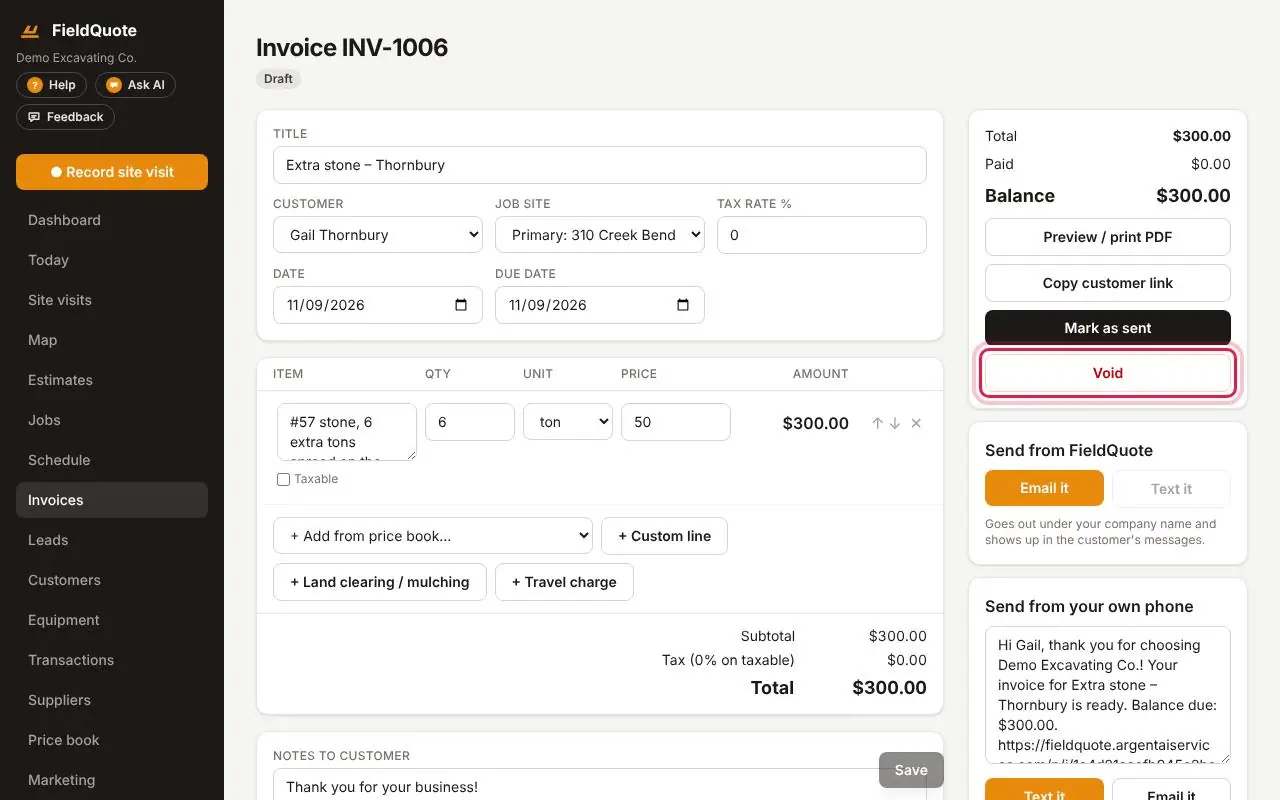
The invoice's page › Void (under Copy customer link).
Watch it
Steps
Open the invoice and tap Void.
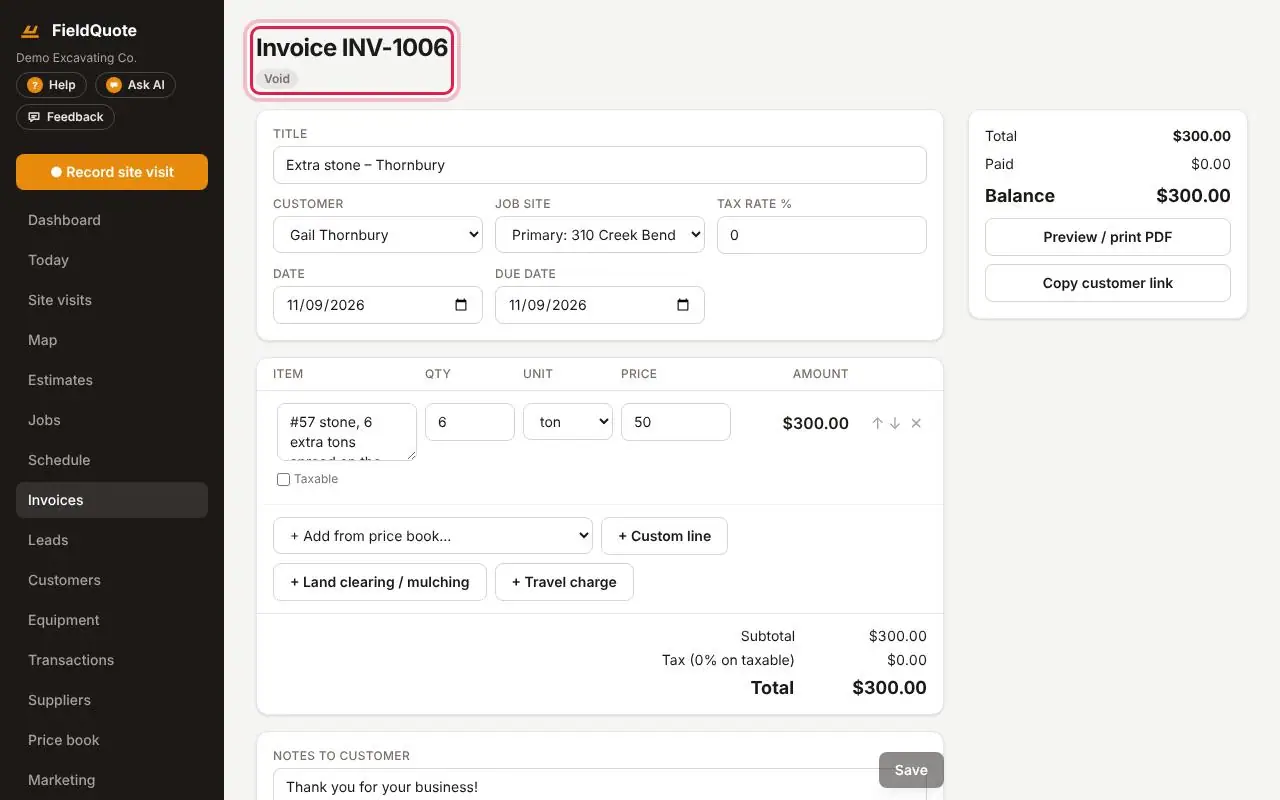
The invoice is marked Void.
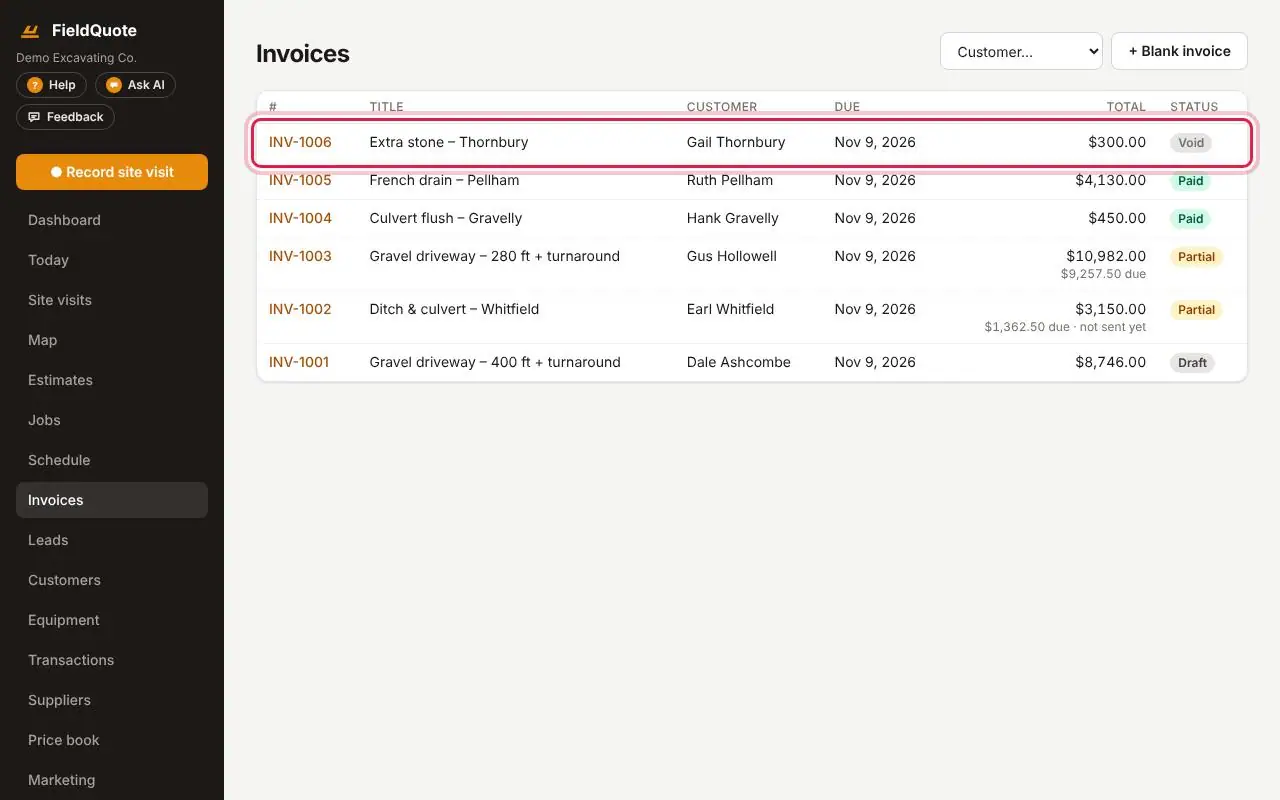
It stays on Invoices, marked void.
What you'll see
It no longer counts in what's owed to you, what you've billed the customer, or the Today screen and Dashboard.
The customer's link to it no longer opens.
Common mistakes
Voiding to change an amount. Change the lines and save instead (see Change an invoice to match the job).
Looking for Void on an invoice with a payment. It only shows when nothing has been paid; delete the payment first if it was a mistake.
Limits
There's no undo: a void invoice can't be sent or paid. Make a new one if you need it.
It isn't deleted, so its number isn't reused.
Checked against the app on Nov 9, 2026. Pictures are from Demo Excavating Co., a made-up company.