Jobs, scheduling, weather, 811 tickets & lien deadlines
Guide 4 of 14
What it's for
Put the work on the calendar so your crew, your customer and the reminders all know when you're coming.
Where
The job's page › Schedule box (right side). Open the job from Jobs, the Schedule, or Needs a start date.
Watch it
Steps
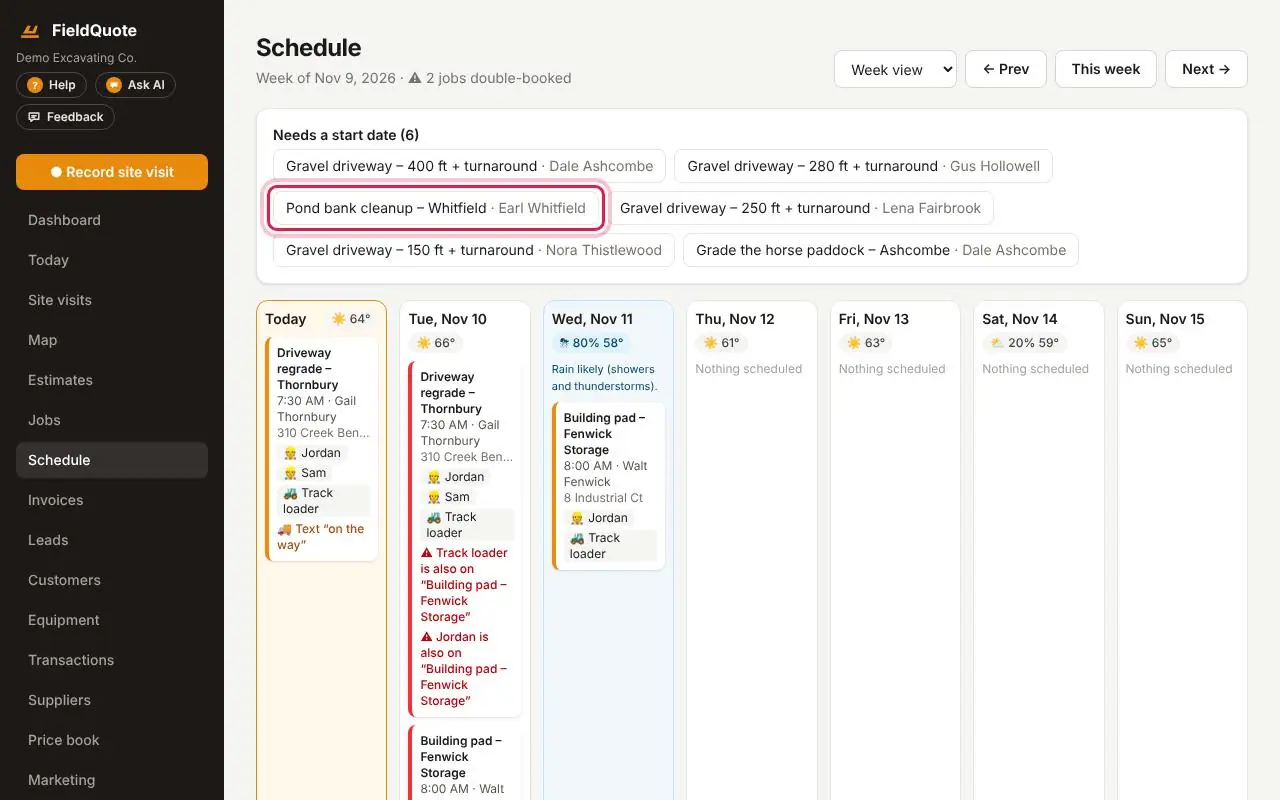
On Schedule, tap the job under Needs a start date (or open it from Jobs).
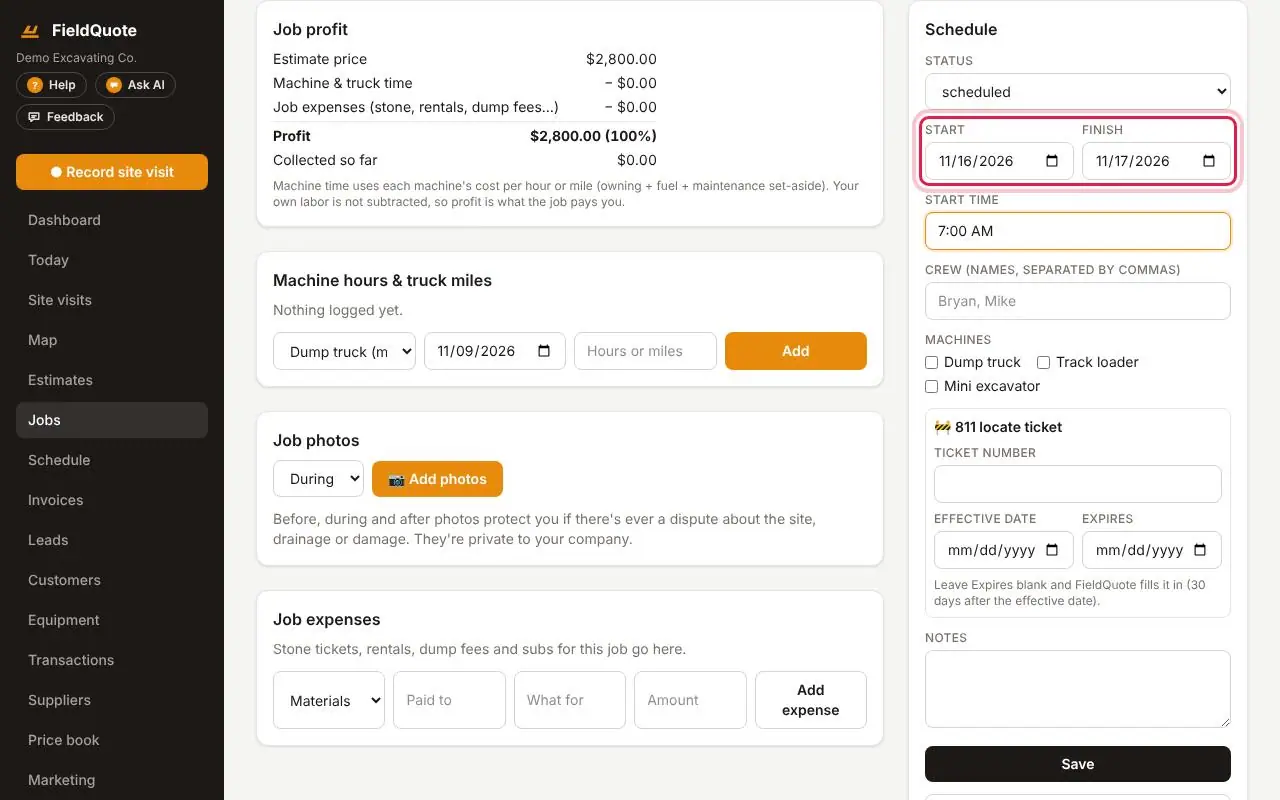
In Schedule, fill in Start, Finish (for jobs longer than a day) and Start time (type it the way you say it, like 7:30 AM).
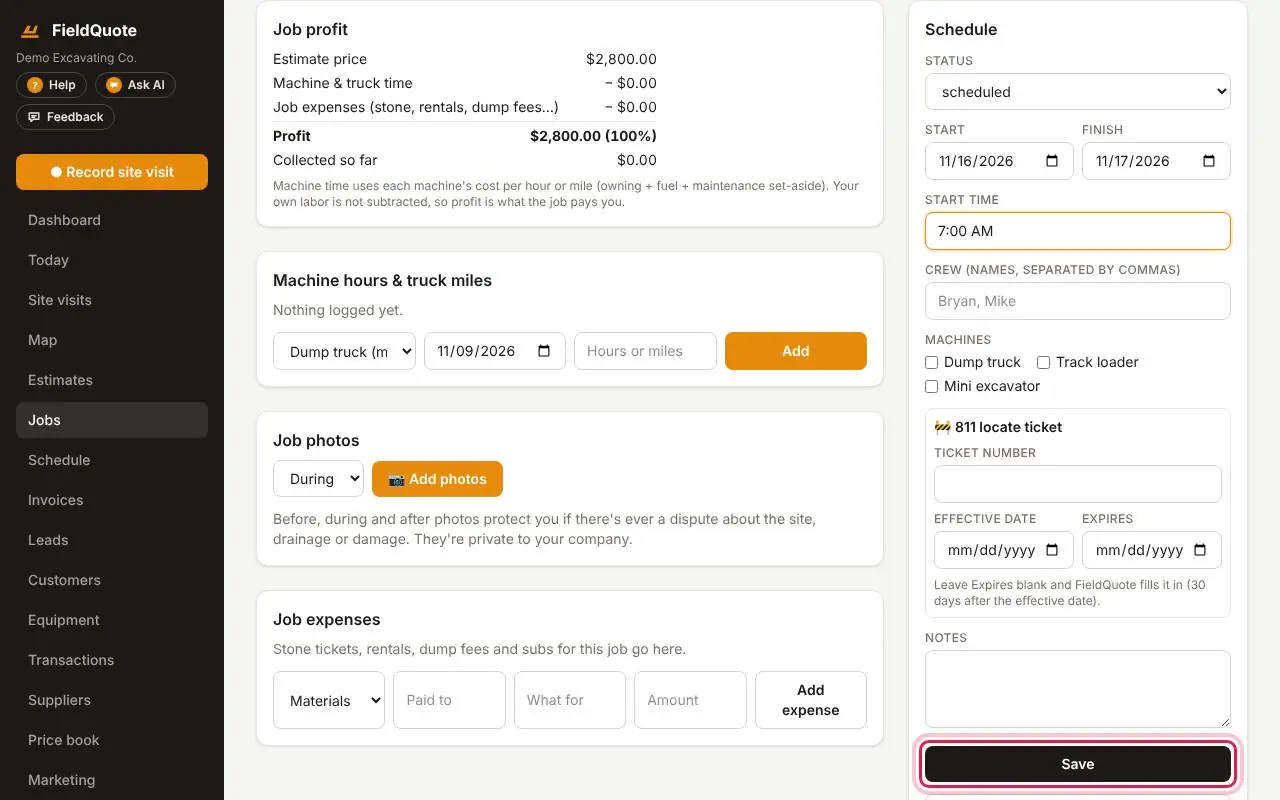
Tap Save.
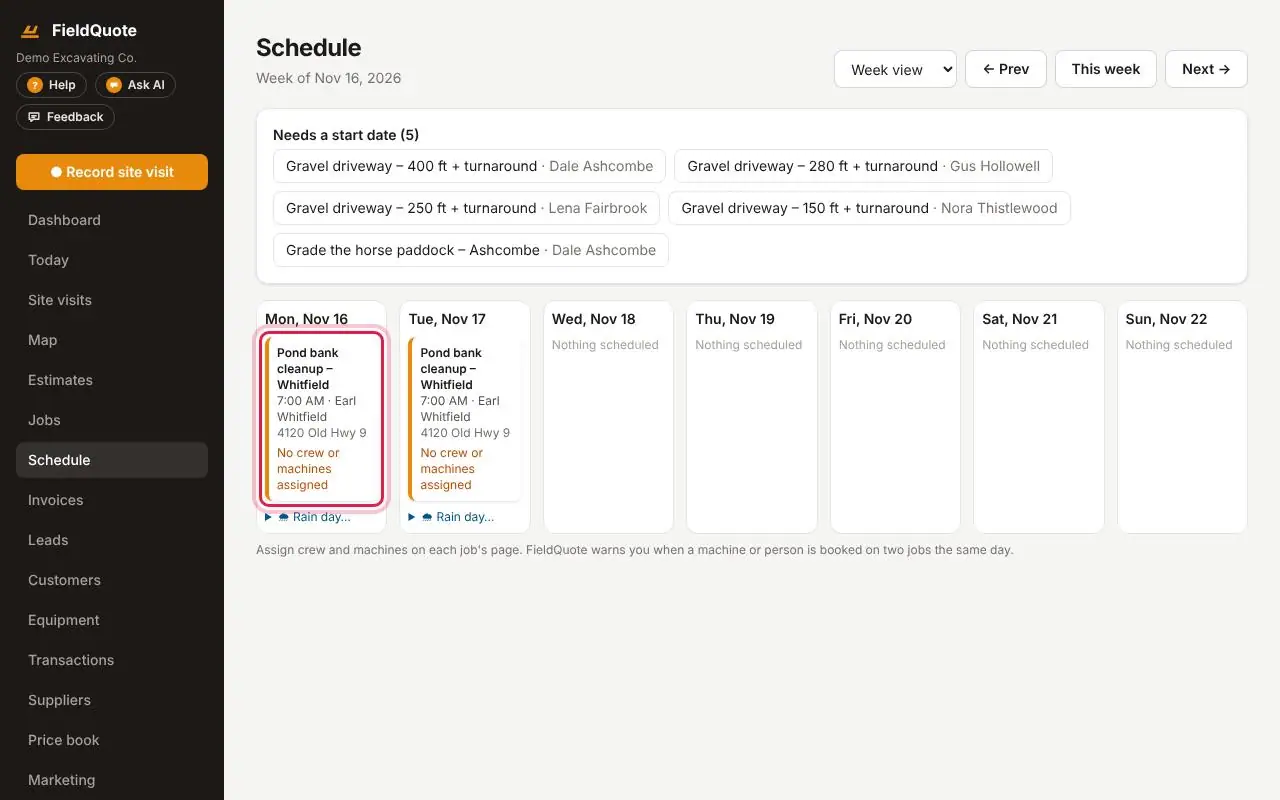
The job is on the Schedule from its start to its finish. View schedule on the job takes you to that week.
What you'll see
The job on the Today screen on the days it runs, with a button to tell the customer you're on the way.
With Job reminder switched on, the customer gets a reminder the day before it starts.
You stay on the job after Save, and every box keeps what you saved, so you can add the crew or a note and save again.
Common mistakes
A finish date before the start. The job then shows only on its start day.
Changing the status to complete to close a job you haven't finished. Leave it scheduled (or in progress) until the work is done.
Limits
Status can be scheduled, in progress, complete or canceled. Canceled jobs leave the schedule.
The same box holds crew, machines, the 811 ticket and notes; one Save saves them all.
Checked against the app on Nov 9, 2026. Pictures are from Demo Excavating Co., a made-up company.