Marketing, leads & ad spend
Guide 2 of 11
What it's for
So a call you took in the truck becomes a lead with a source. Picking the source on every lead is what lets FieldQuote tell you which marketing pays.
Where
Leads › Add lead (on the right, or below the list on a phone).
Watch it
Steps
Under Add lead, type the Name and their Phone, Email and Address.
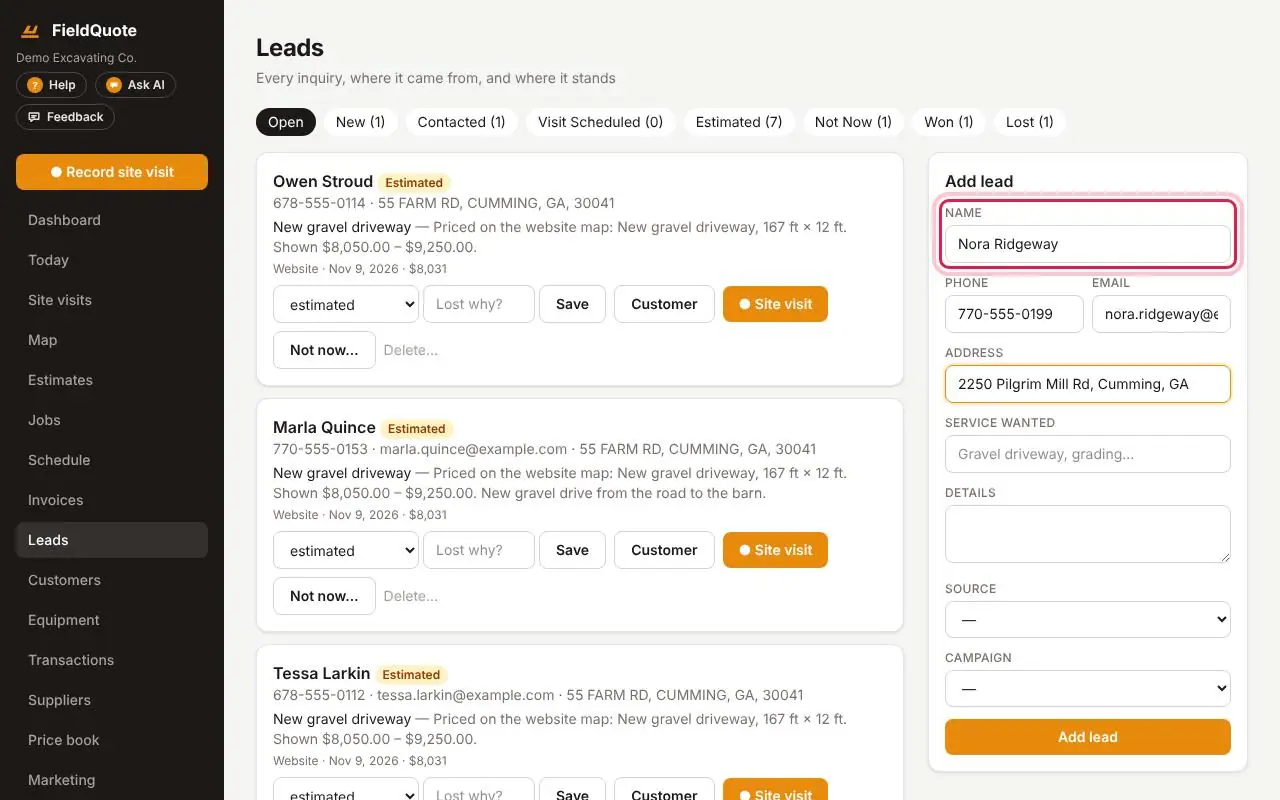
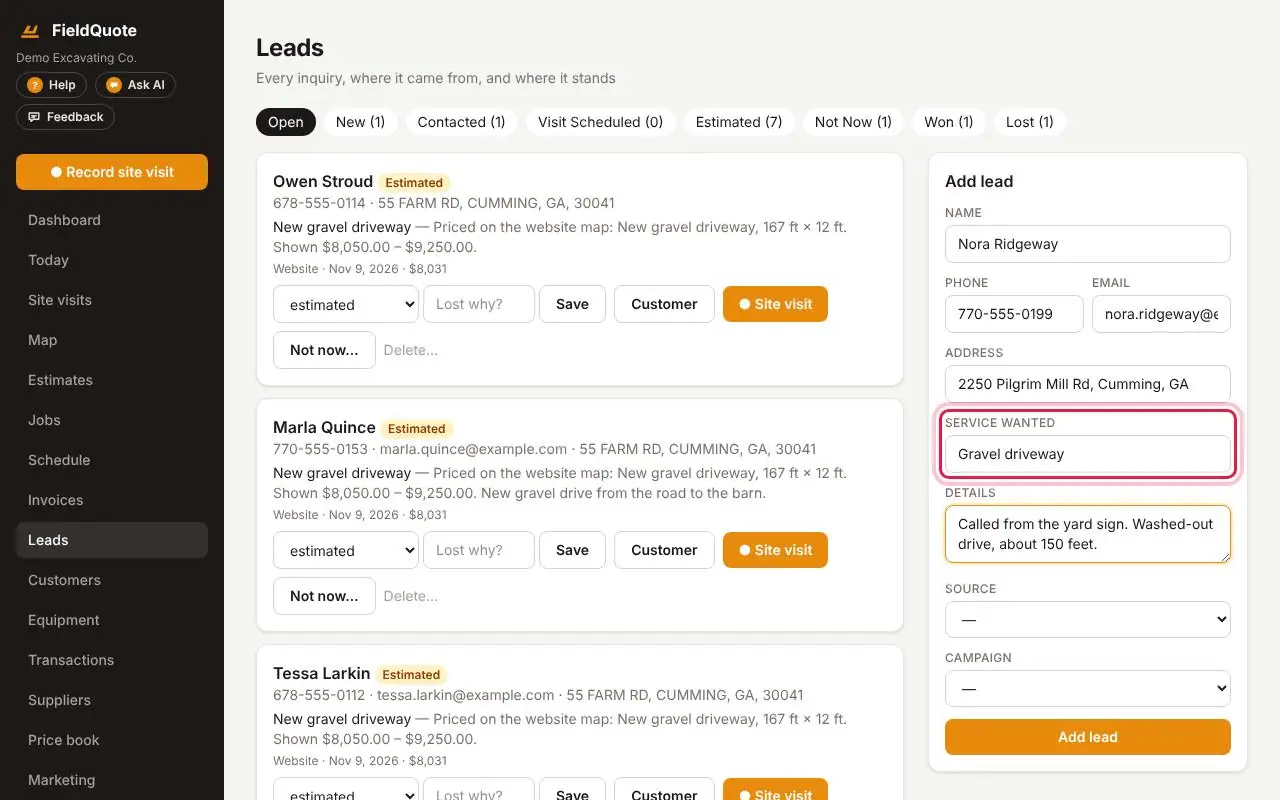
Type the Service wanted, like gravel driveway or land clearing, and any Details.
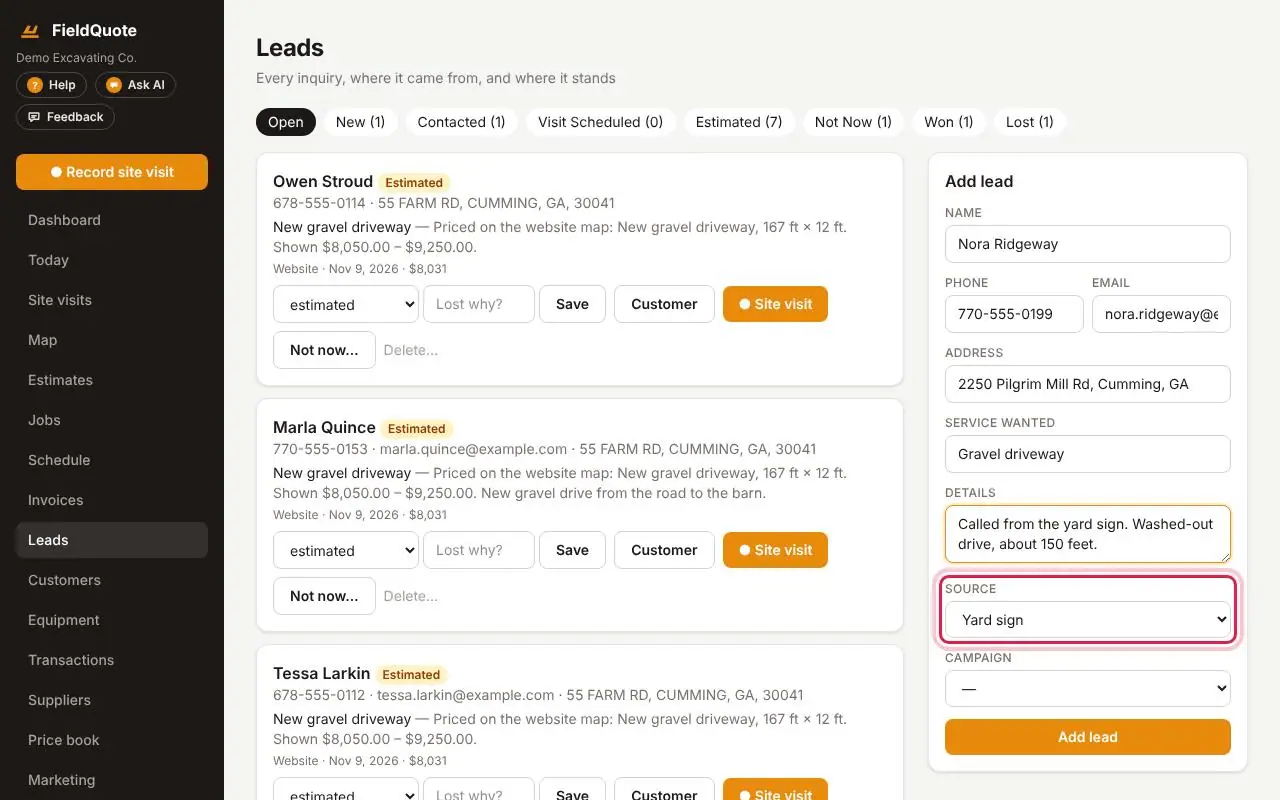
Under Source, pick where they heard of you: Google Ads, Google Business Profile, Website, Facebook, Instagram, Nextdoor, Referral / word of mouth, Repeat customer, Truck sign, Yard sign and more.
If they came from a campaign you track on Marketing, pick it under Campaign.
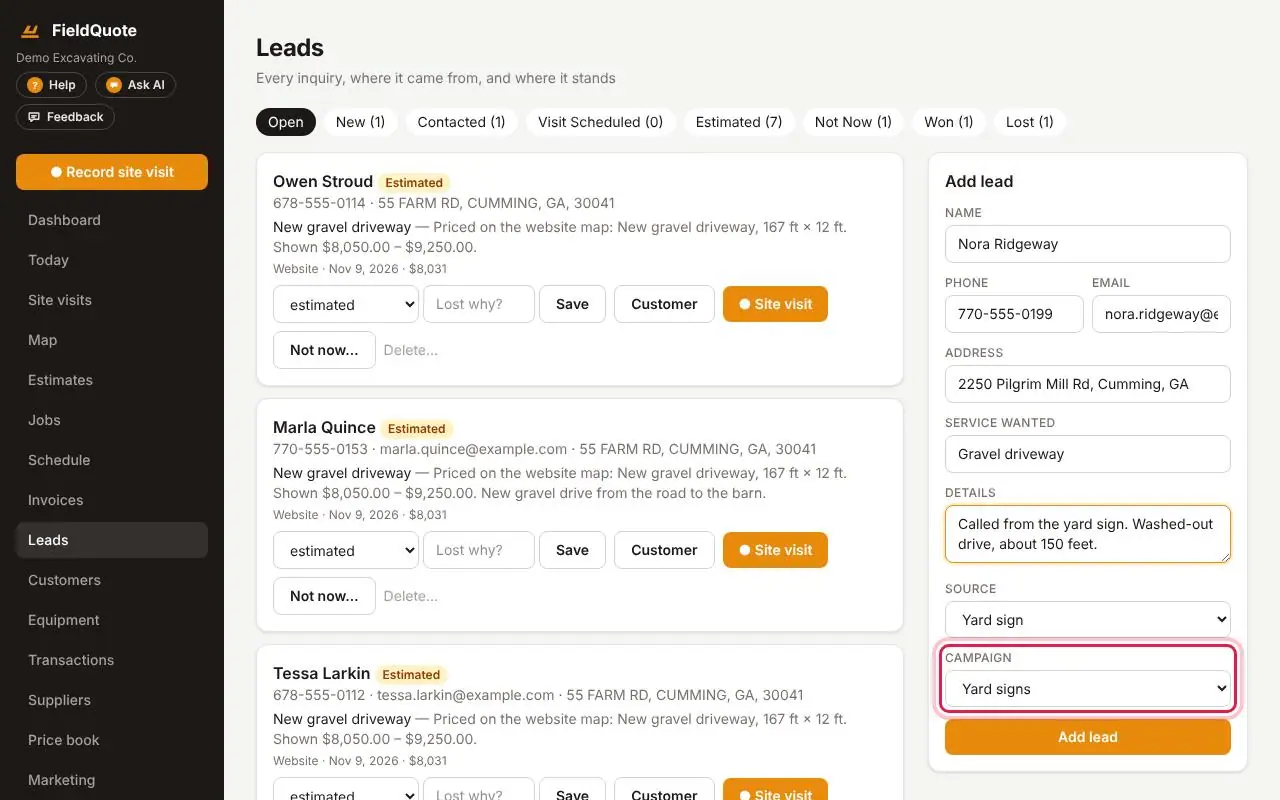
Tap Add lead. It's at the top of Open, marked New.
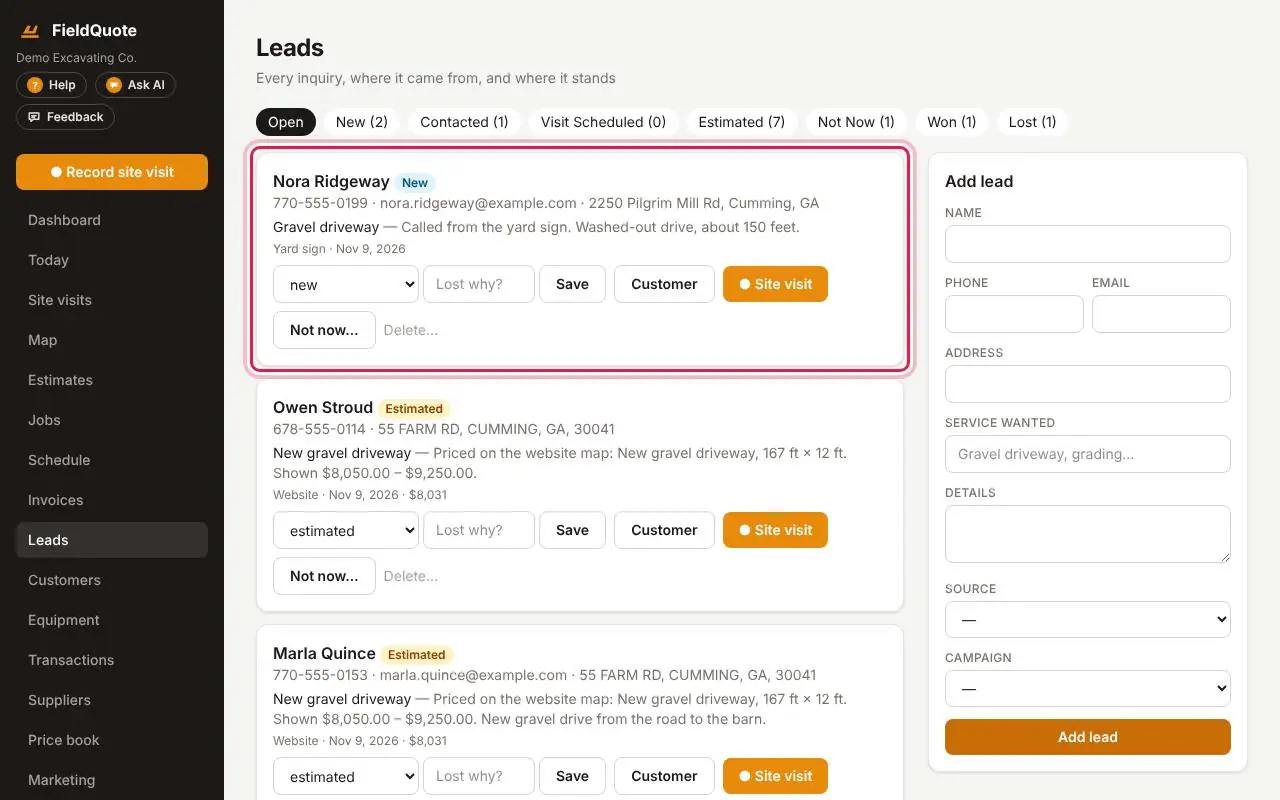
What you'll see
The lead with its source and today's date.
A customer with the same name, phone, email and address on Customers — tap Customer on the lead to open it.
Common mistakes
Skipping Source. The lead then counts as Unknown on the Dashboard's Where jobs come from.
Picking a Campaign whose channel doesn't match the Source. The campaign gets the lead either way, but the Dashboard groups by source.
Adding a lead for someone who's already a customer. A new customer is made each time you add a lead by hand.
Limits
Name is the only box you must fill in.
Campaign only shows once you've set up a campaign on Marketing.
The lead's source and campaign can't be changed afterwards.
Checked against the app on Nov 9, 2026. Pictures are from Demo Excavating Co., a made-up company.