Marketing, leads & ad spend
Guide 1 of 11
What it's for
Every call, form and ad lead in one list, so nobody falls through the cracks and you can see which kind of marketing brings in work.
Where
Leads in the menu.
Watch it
Steps
Open Leads. Open is picked: every lead that isn't won, lost or parked for later. The buttons next to it show how many leads are at each stage.
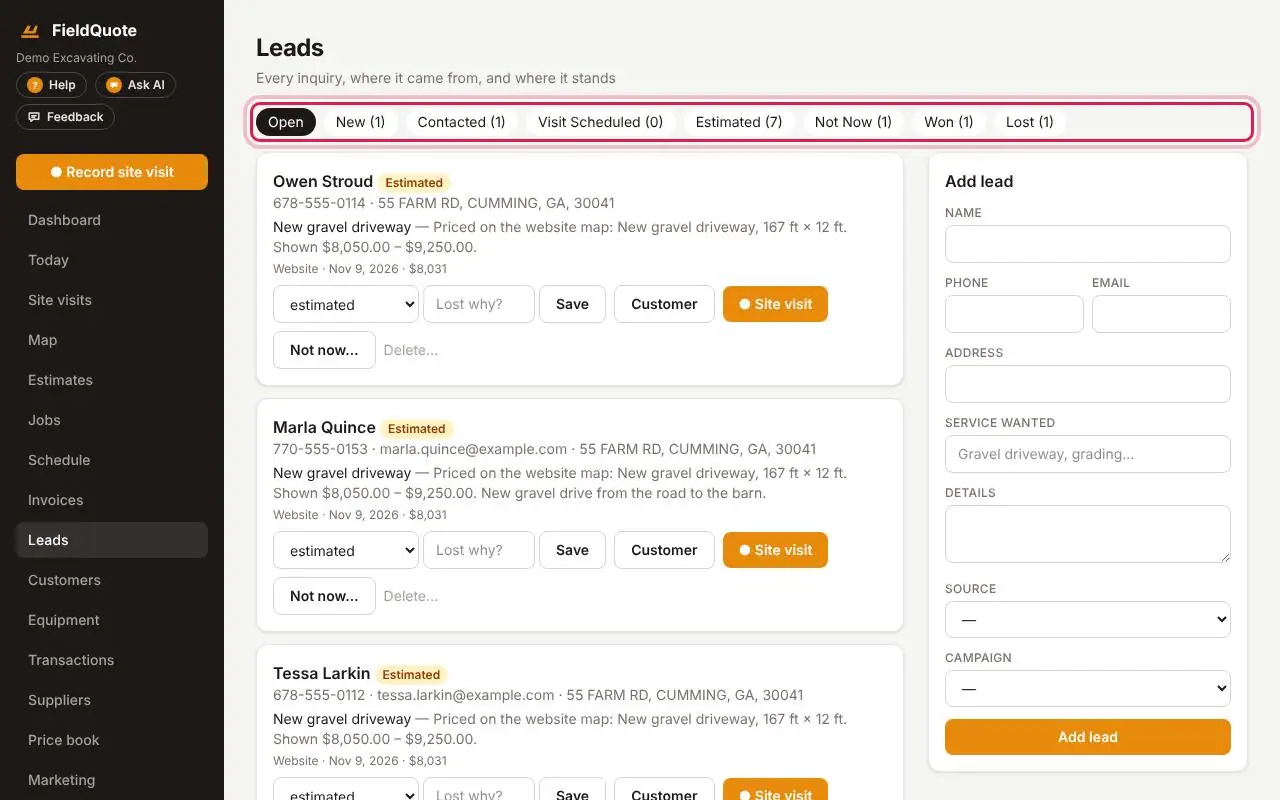
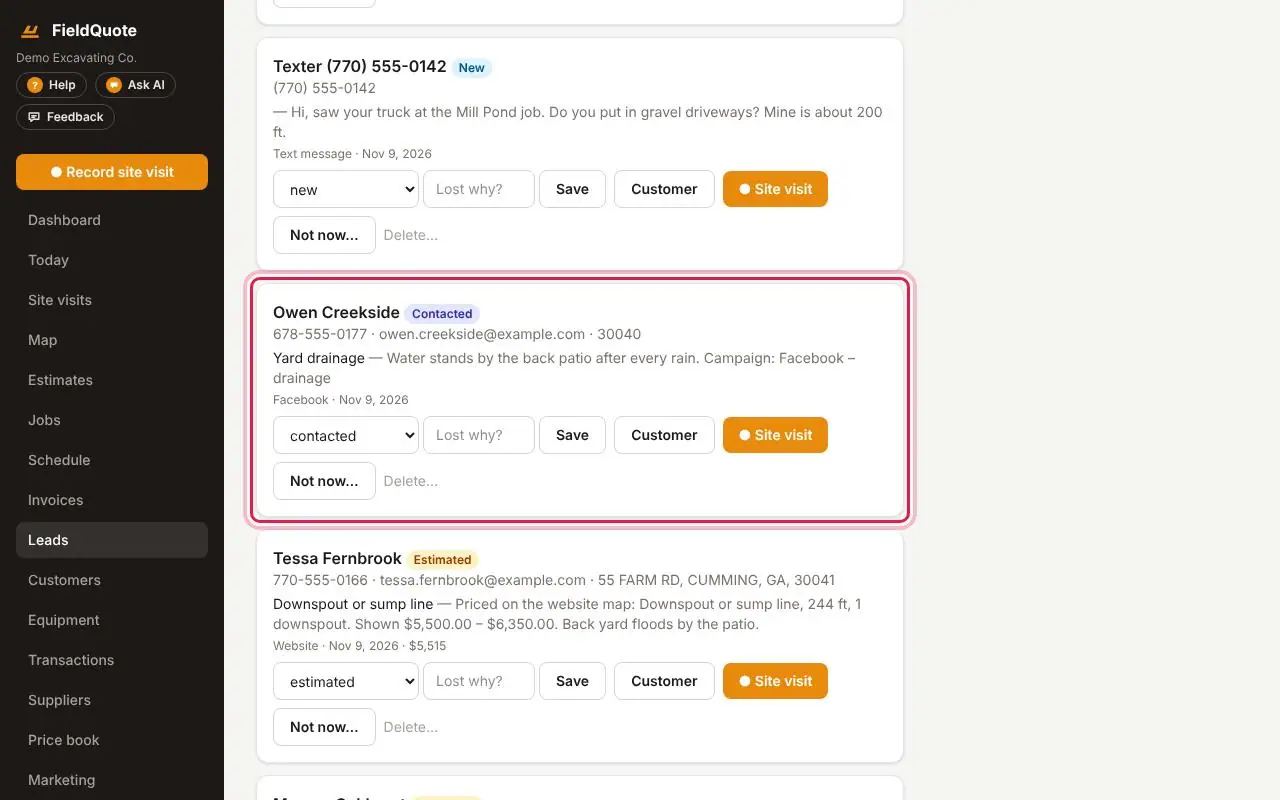
Each lead shows the name and stage, their phone, email and address, the work they want and the details, and on the bottom line where they came from, the date, and the job's value once there's an estimate.
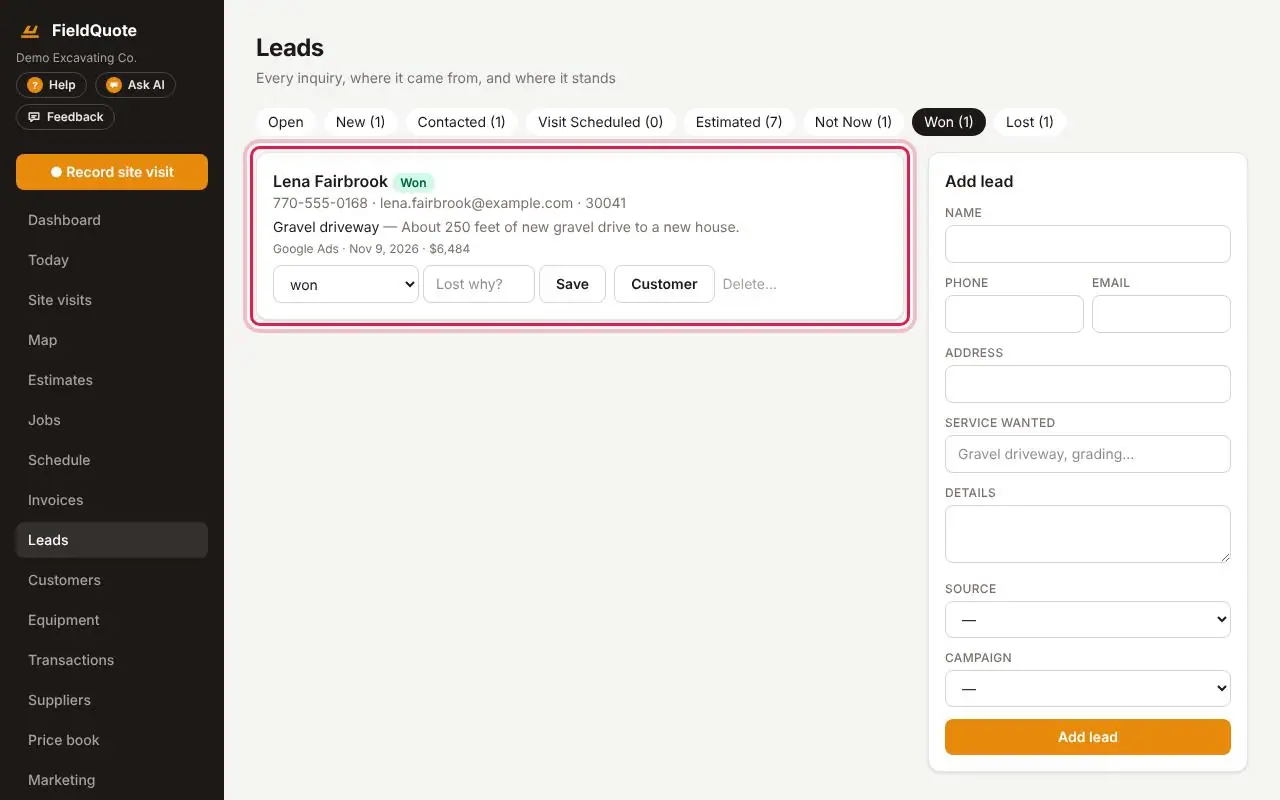
Tap a stage along the top, like Won, to see only those leads.
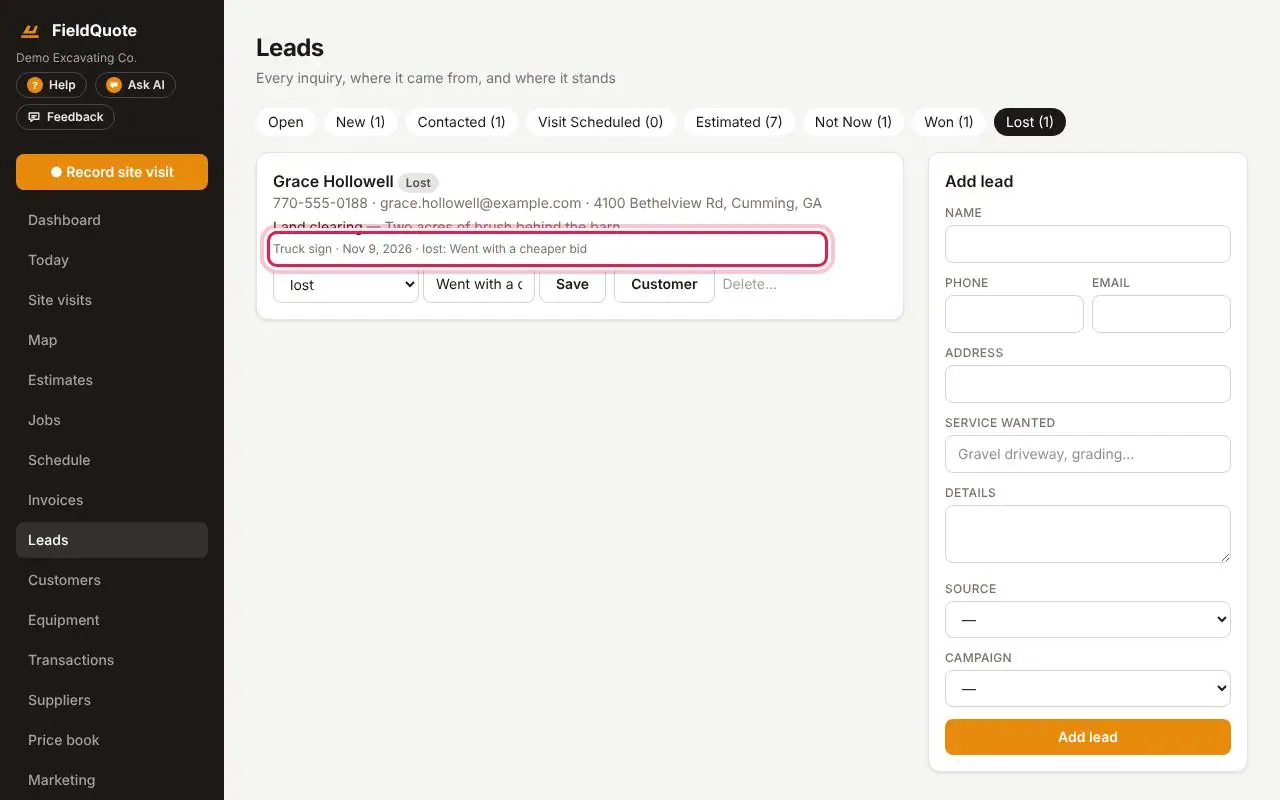
Lost leads show why: "· lost: …" at the end of the bottom line.
What you'll see
Newest first.
Website and ad leads come in on their own; leads from website price maps arrive with a draft estimate and the price the homeowner saw.
Customer opens the customer record every lead gets, where calls, texts and emails with them are kept.
Common mistakes
Looking for a won or lost lead under Open. Tap Won or Lost at the top.
Adding the same caller twice. Search Customers first; a website or ad lead with the same phone or email is matched to the customer you already have.
Limits
No search box on Leads; use the stages, or Customers to search by name.
A lead's source can't be changed after it's added.
Checked against the app on Nov 9, 2026. Pictures are from Demo Excavating Co., a made-up company.