Marketing, leads & ad spend
Guide 9 of 11
What it's for
Every dollar you put into getting work should land on a campaign, even when there's no report to import — so cost per lead is honest for signs and mailers too.
Where
Marketing › Log ad spend (on the right). It shows once you have at least one campaign.
Watch it
Steps
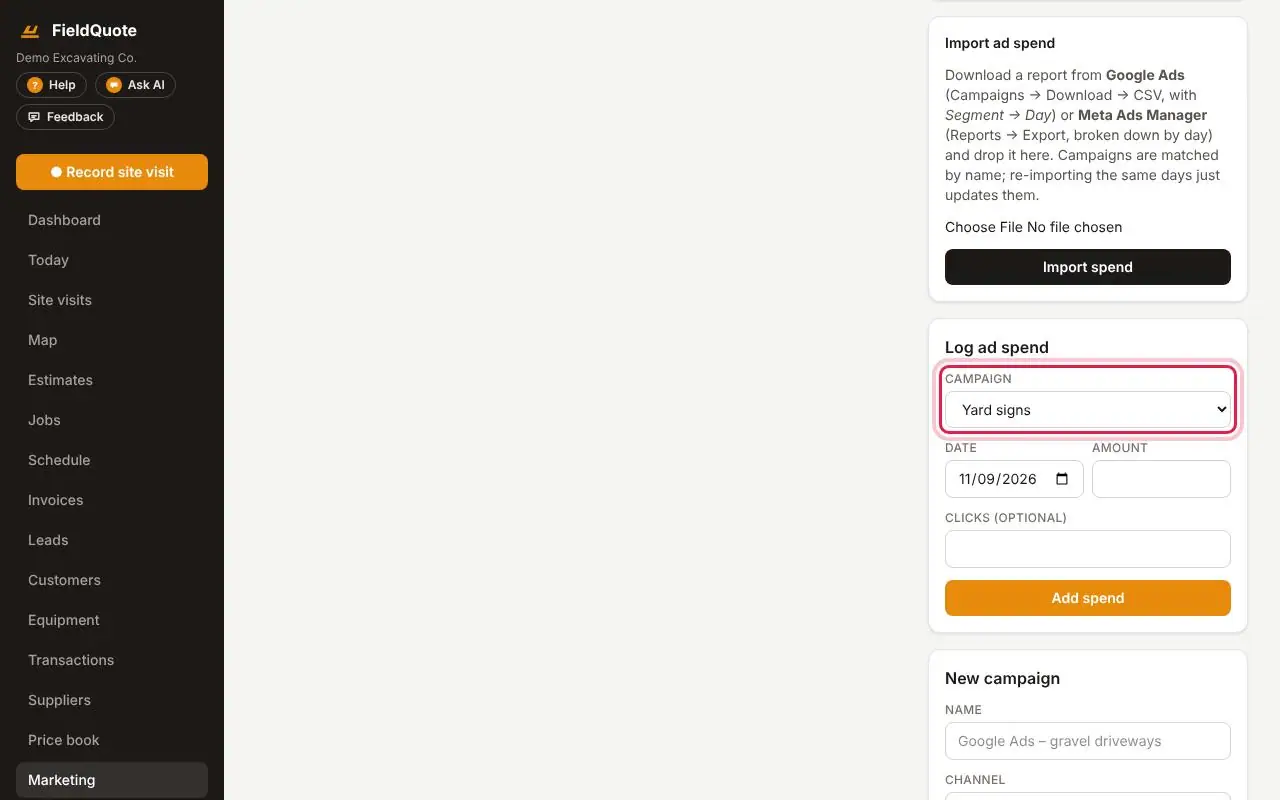
Under Log ad spend, pick the Campaign.
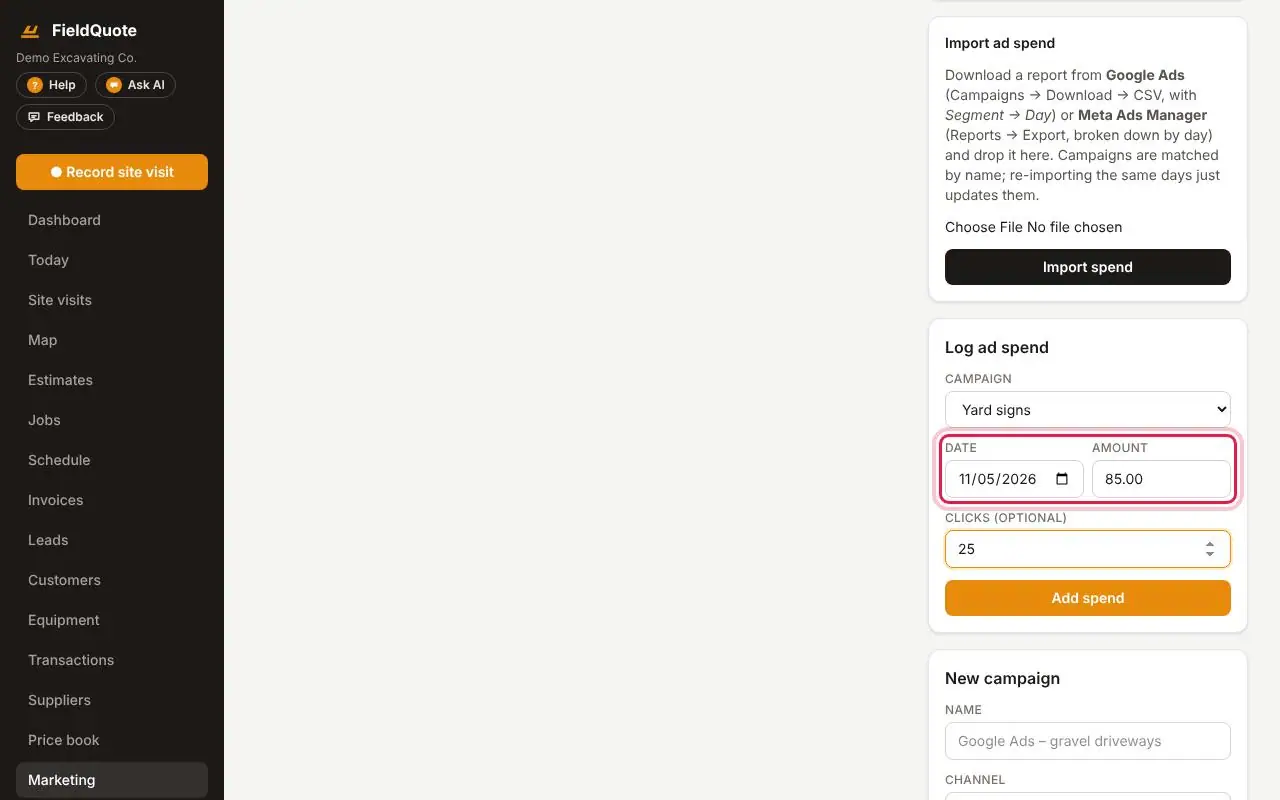
Set the Date and type the Amount. Add Clicks (optional) if you know them.
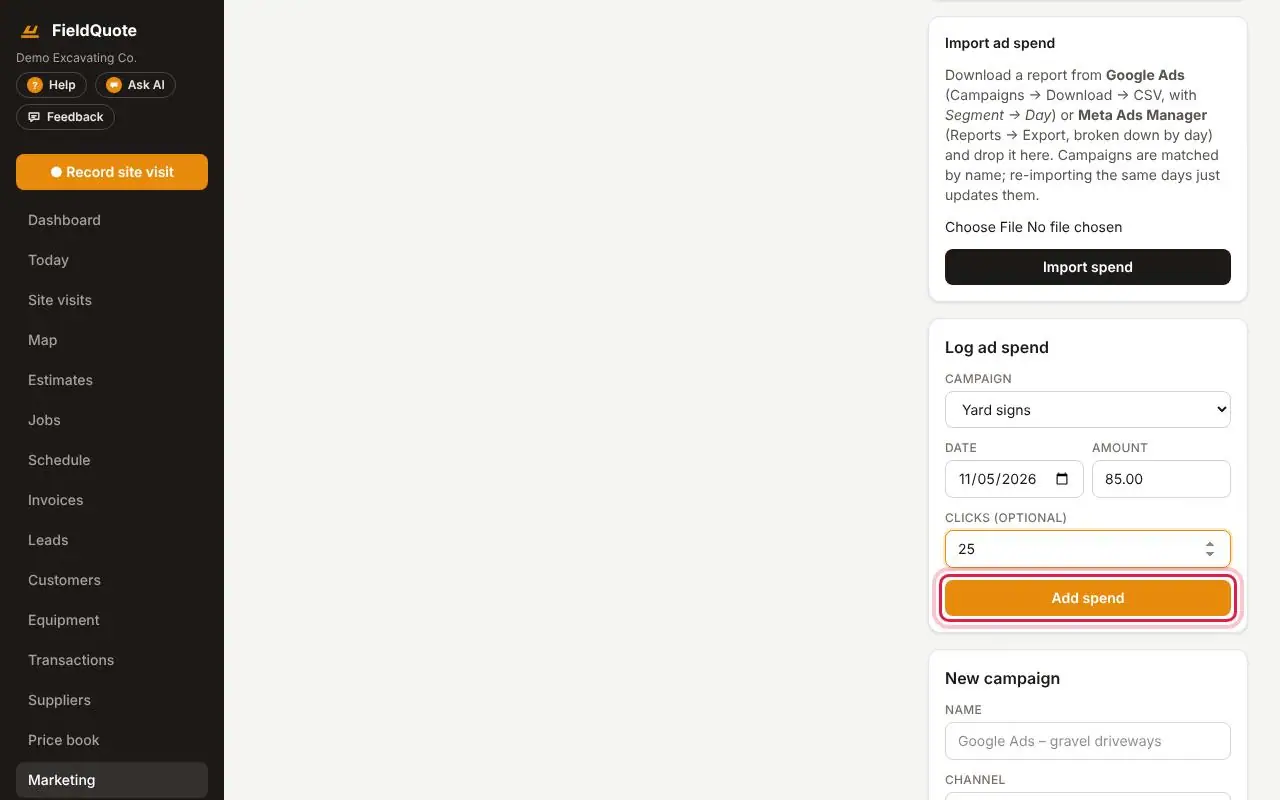
Tap Add spend.
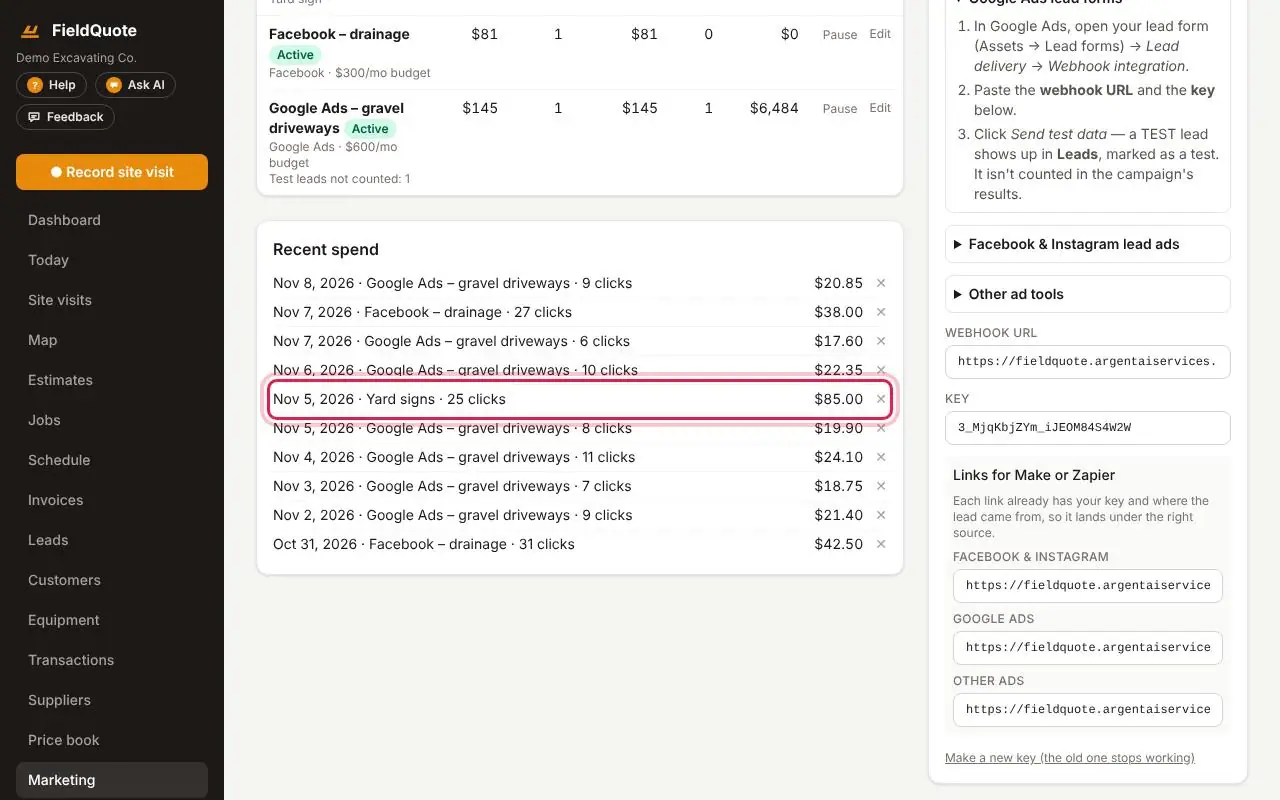
The spend shows in Recent spend and in the campaign's Spend in the table.
What you'll see
The campaign's Spend and Cost/lead change right away.
On the Dashboard, the spend counts toward the campaign's channel under Where jobs come from.
Common mistakes
Logging the same spend on Transactions too. Ad spend for a campaign belongs here; Transactions is for other costs.
Typing a month's spend on one day. That's fine for the totals, but importing a daily report for the same campaign later replaces only the days it covers.
Limits
Spend can't be edited. To fix a wrong amount, the owner or an admin deletes the day with ✕ (see Delete a day of ad spend) and you add it again. Importing a report also replaces that campaign's spend for the days the report covers.
Recent spend shows the latest 15 entries.
Only the owner or an admin can add campaigns or ad spend. Team members see the results but not these boxes: "View only. Only the owner or an admin can add campaigns or ad spend."
Checked against the app on Nov 9, 2026. Pictures are from Demo Excavating Co., a made-up company.