Site visits, recording & AI write-ups
Guide 6 of 14
What it's for
Job sites often have no signal. FieldQuote keeps a copy of the recording on your phone until FieldQuote has it, so you never have to record the walk twice.
Where
On Record site visit while you record and send.
A yellow box at the top of every FieldQuote page on that phone, when a recording is waiting.
Watch it
Steps
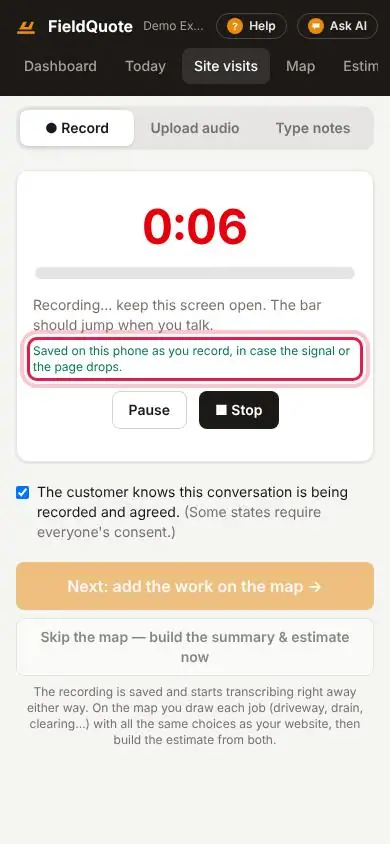
Record as usual. Under the timer you'll see "Saved on this phone as you record, in case the signal or the page drops."
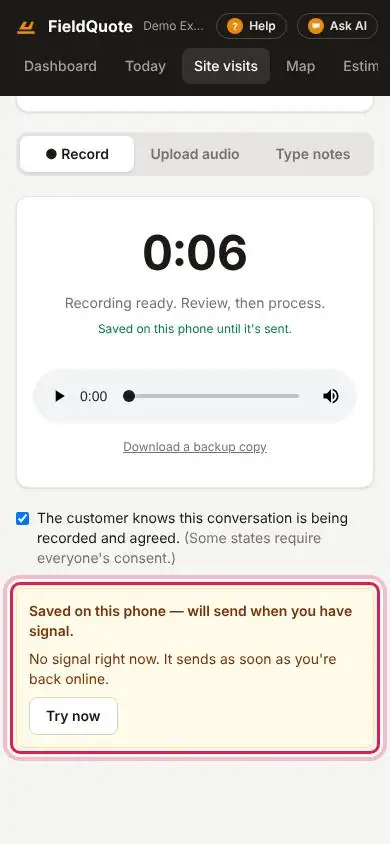
If there's no signal when you send it, you'll see "Saved on this phone — will send when you have signal." It keeps trying by itself and sends as soon as the signal comes back. Tap Try now to try right away.
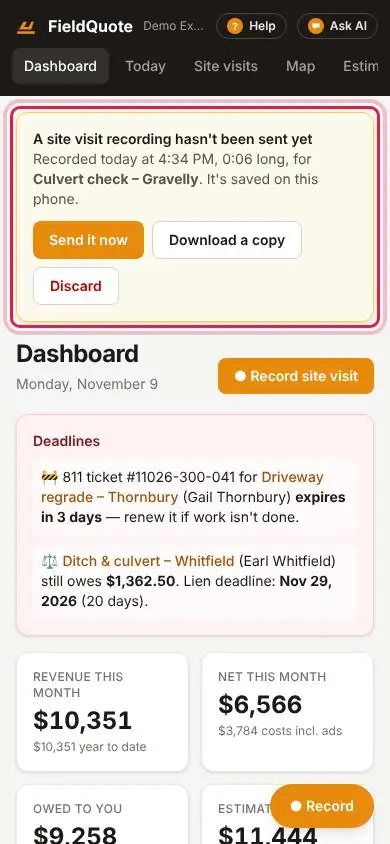
If the page closed before it was sent (you closed the browser, the phone died, the page reloaded), open FieldQuote again on the same phone. A yellow box shows at the top: "A site visit recording hasn't been sent yet", with when it was recorded, how long it is and who it's for.
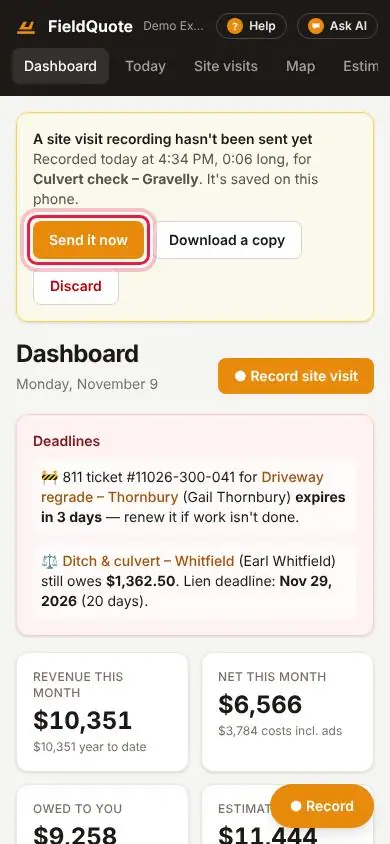
Tap Send it now. When it's sent, the visit page opens. You can also tap Download a copy to keep the audio file, or Discard and then Yes, delete it to throw it away.
What you'll see
"Sending…" with a percent, then the visit page.
If the page closed while it was still recording: "The page closed while it was recording, so it ends where the page closed."
If the consent box wasn't checked, the yellow box asks for it before it sends.
If you went to the map first, sending it takes you to the map for that visit.
Common mistakes
Looking for it on another phone or computer. The copy is only on the phone that recorded it.
Clearing the browser's data before it's sent. That deletes the copy.
Tapping Discard by mistake. Yes, delete it removes it for good. Tap Keep it instead.
Limits
The copy is kept by the phone's browser. In a private window, or if the browser blocks storage, you'll see "This browser can't keep a copy, so leave this page open until it's sent."
Sending it twice can't make two visits. FieldQuote knows it's the same recording.
If you've been signed out, it says "You're signed out. Sign in again, then send it. It stays saved on this phone."
The yellow box only shows for recordings made while signed in to the same company.
Checked against the app on Nov 8, 2026. Pictures are from Demo Excavating Co., a made-up company.