Site visits, recording & AI write-ups
Guide 7 of 14
What it's for
When you measure the work on the map at the visit, the estimate uses both what was said and what you measured. FieldQuote holds the write-up until you're done drawing, so the estimate is built once, from both.
Where
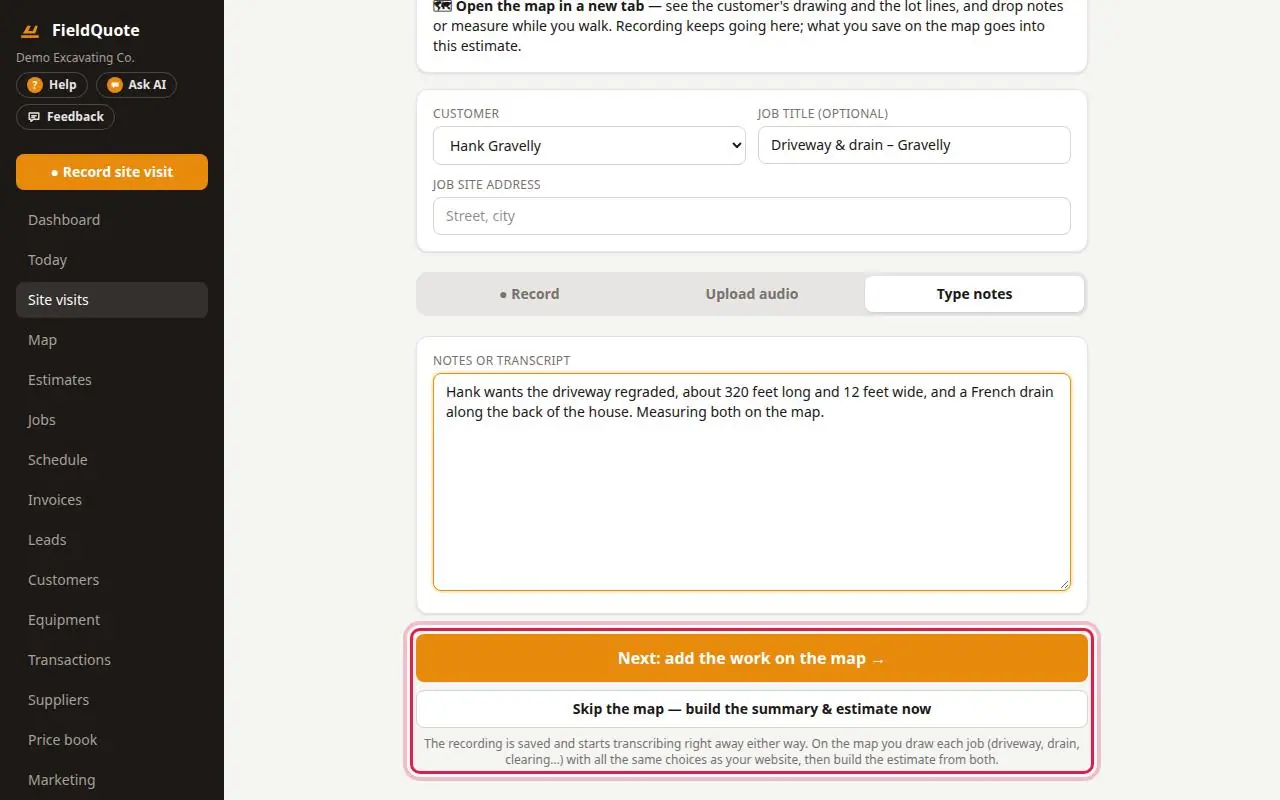
The two buttons at the bottom of Record site visit, after you stop recording (or type your notes).
Watch it
Steps
Pick one: Next: add the work on the map, or Skip the map — build the summary & estimate now. Either way the recording is sent and starts being typed up right away.
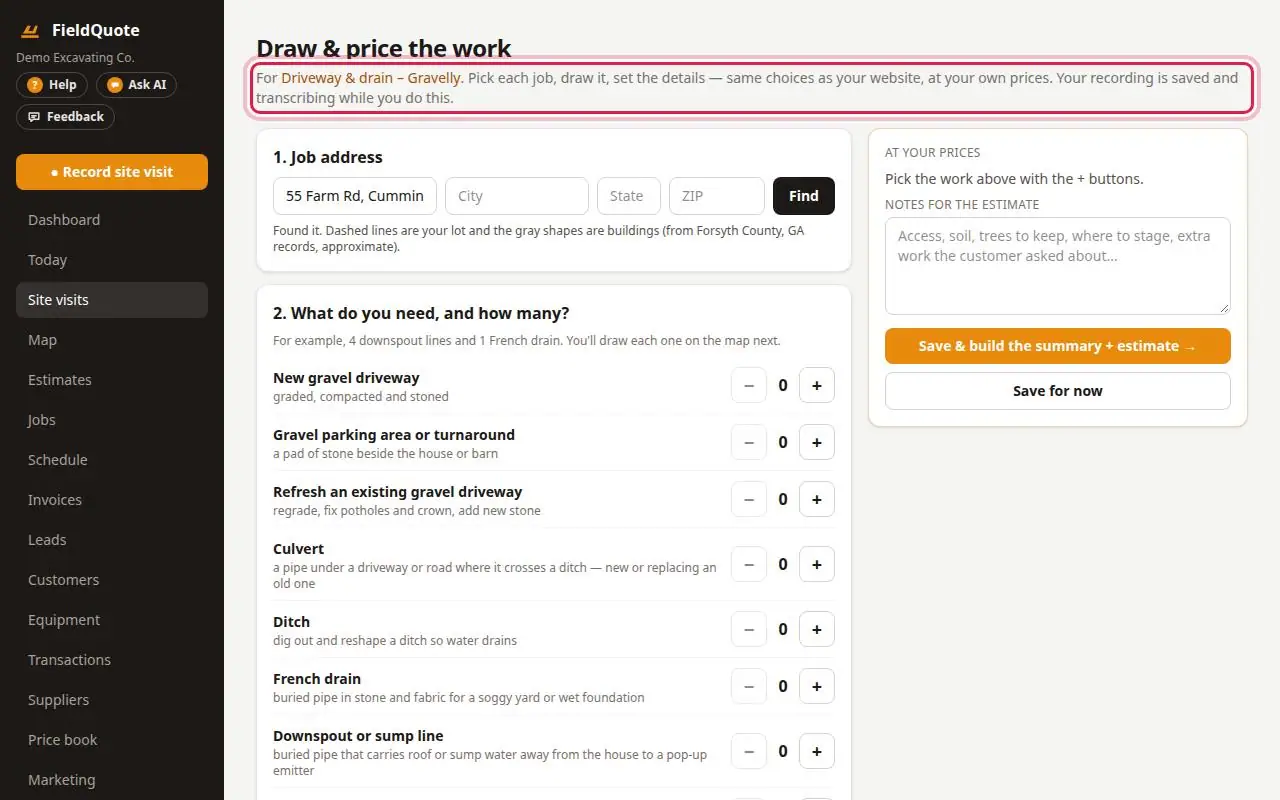
If you picked the map, the Draw & price the work page opens for this visit. Draw and price each job (see the Maps articles).
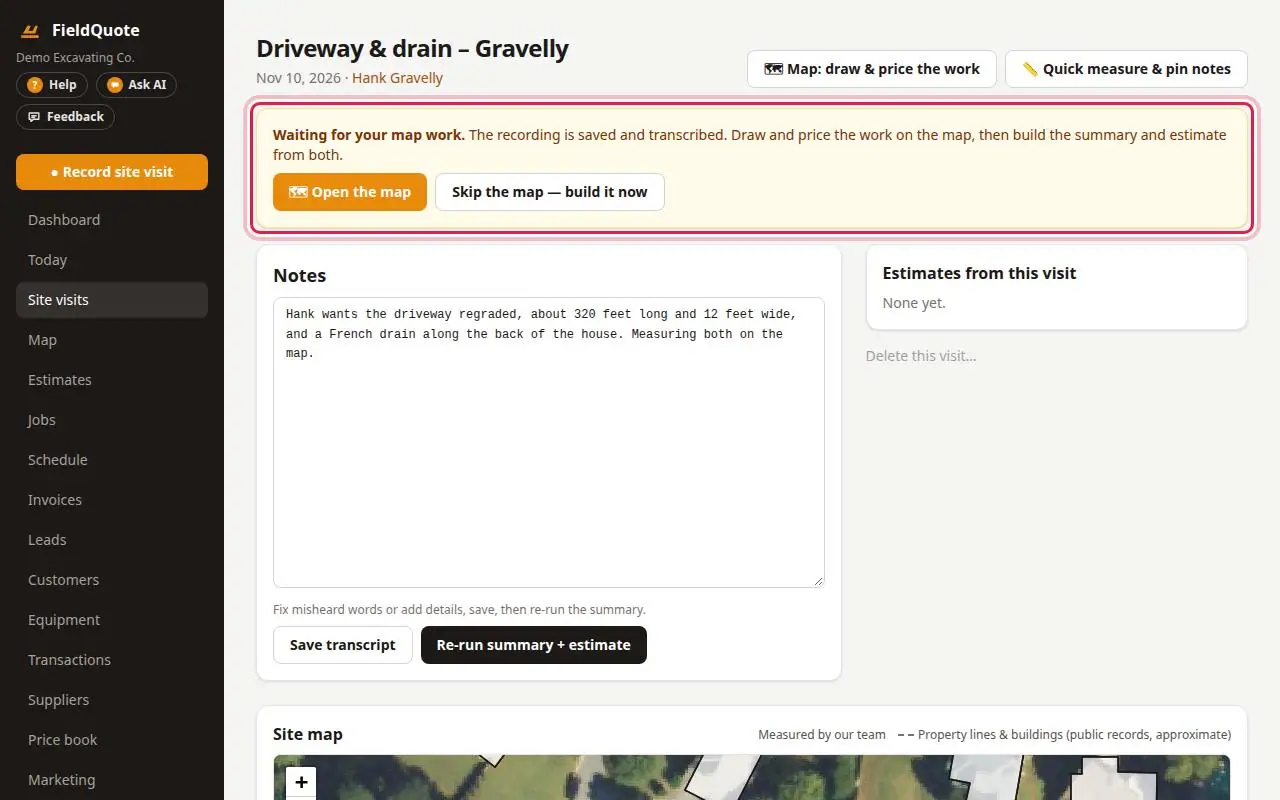
Meanwhile, the visit waits. Its page says "Waiting for your map work." with Open the map and Skip the map — build it now.
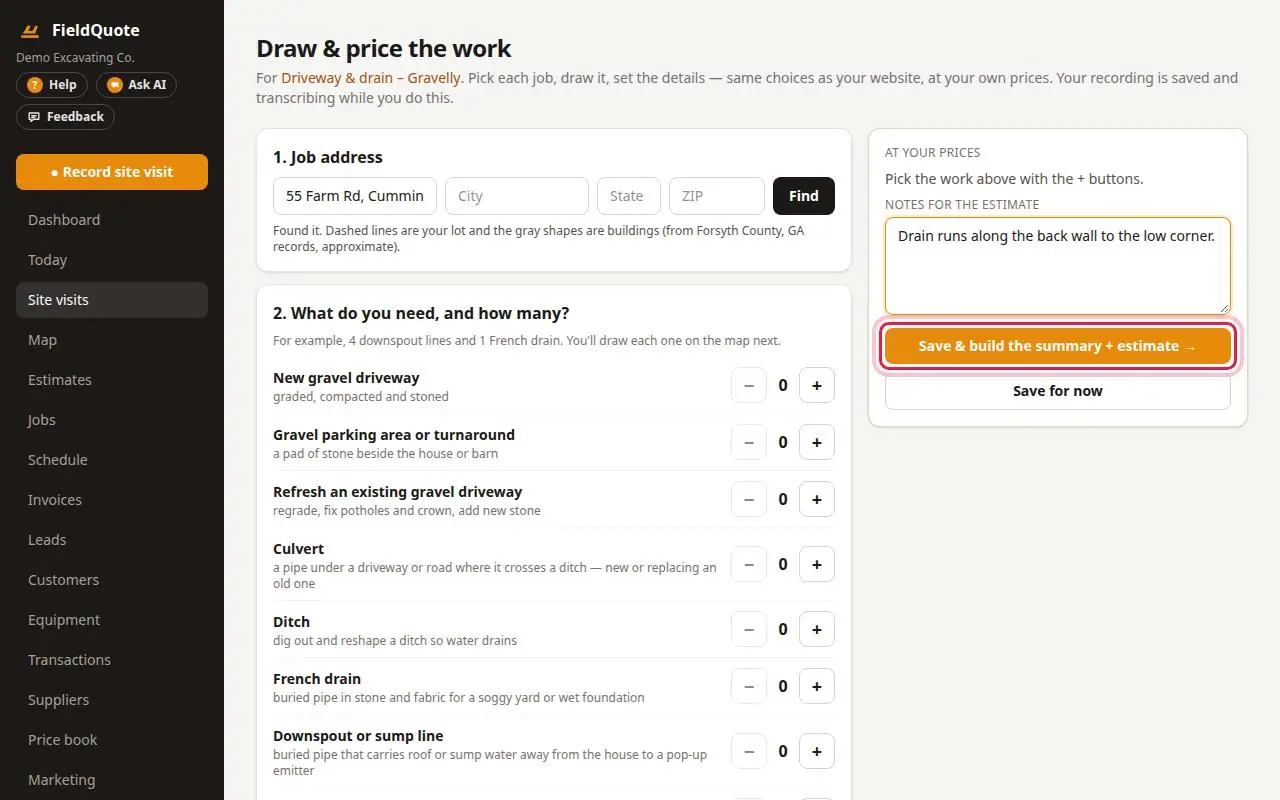
Map shows a sample property. When you're done on the map, tap Save & build the summary + estimate. (To keep drawing later, tap Save for now instead.)
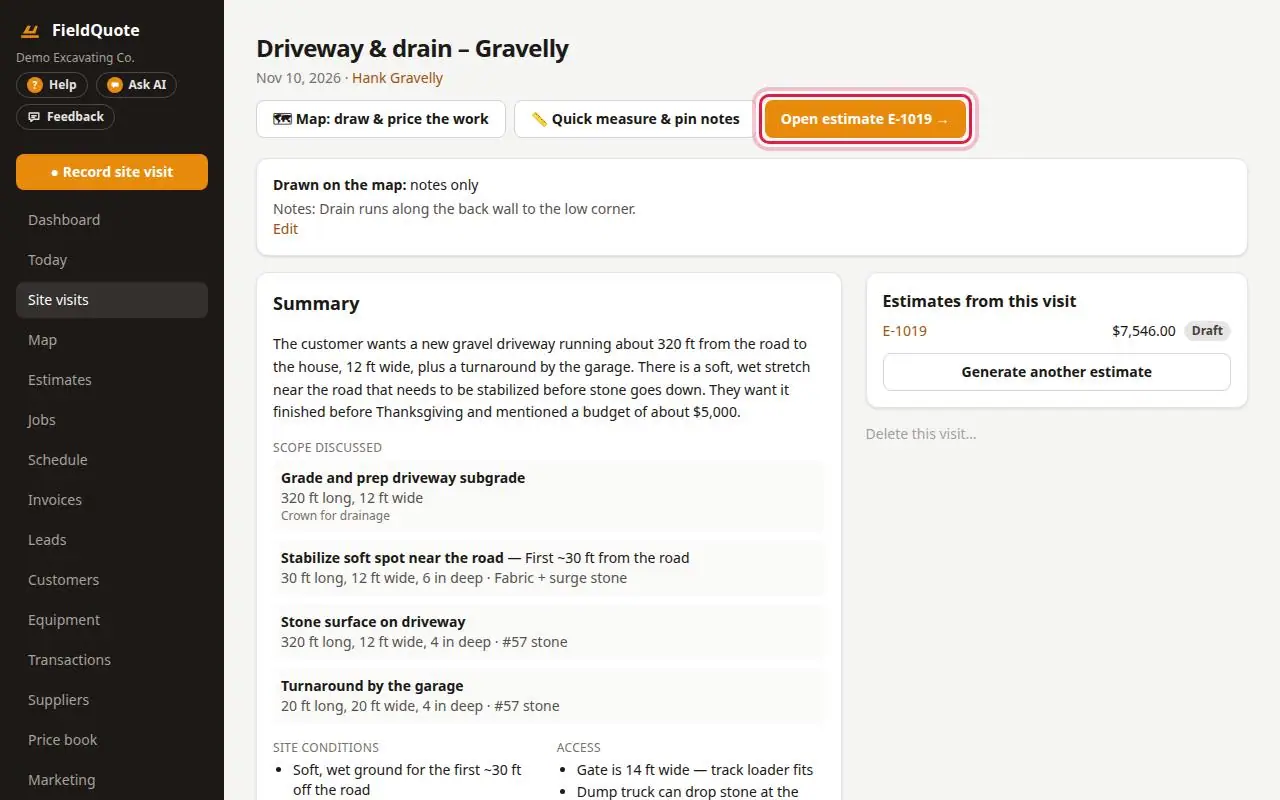
The visit page shows what you drew under "Drawn on the map:", and the summary and estimate are built from the recording and the map together.
What you'll see
In Site visits, a visit that's holding for the map shows the status "Waiting".
While it waits, nothing is written up and no estimate is made.
After you build it, Open estimate shows at the top of the visit.
Common mistakes
Picking the map and then forgetting it. The visit waits until you build it. Open it from Site visits and tap Skip the map — build it now or finish the map.
Tapping Save for now and expecting an estimate. That only saves the drawing. Use Save & build the summary + estimate when you're done.
Limits
There's no time limit. A visit waits for the map until you build it.
If you skipped the map, you can still draw it later: open Map: draw & price the work on the visit, tap Save to this visit, then Generate another estimate.
Checked against the app on Nov 8, 2026. Pictures are from Demo Excavating Co., a made-up company.