Site visits, recording & AI write-ups
Guide 4 of 14
What it's for
Sometimes you can't record: the customer said no, it was too windy, or you already wrote it down. Type or paste your notes and FieldQuote does the rest.
Where
Site visits › Record site visit › Type notes.
Watch it
Steps
Go to Site visits › Record site visit and pick the customer under Customer.
Tap the Type notes tab.
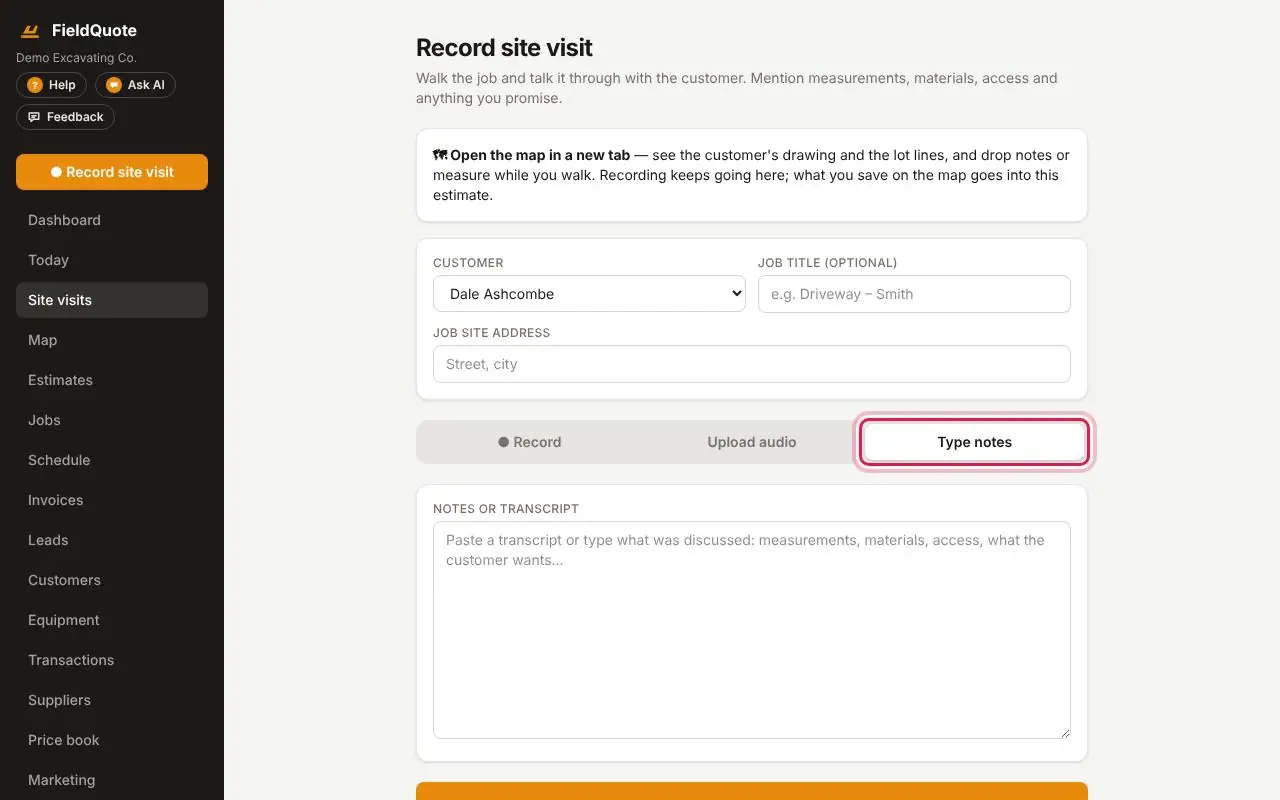
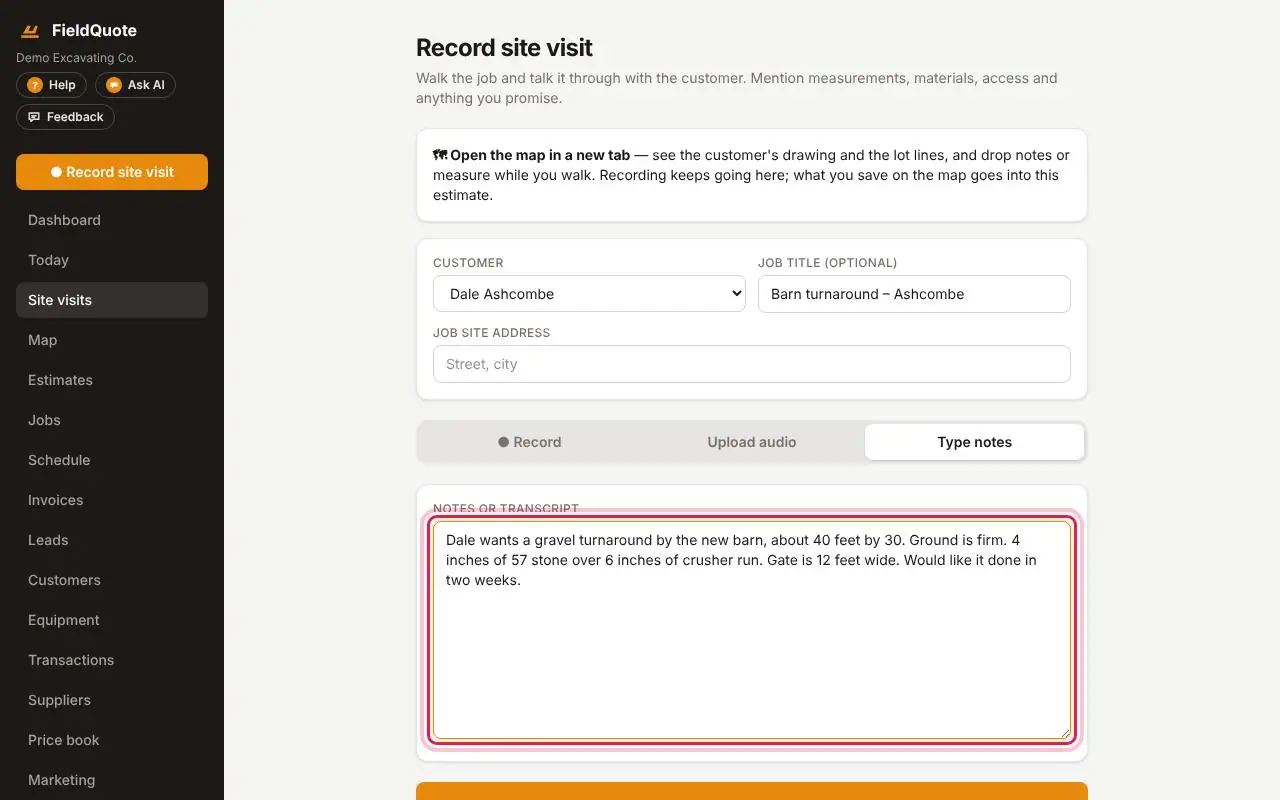
Type or paste under Notes or transcript. Put in measurements, materials, access, and what the customer wants.
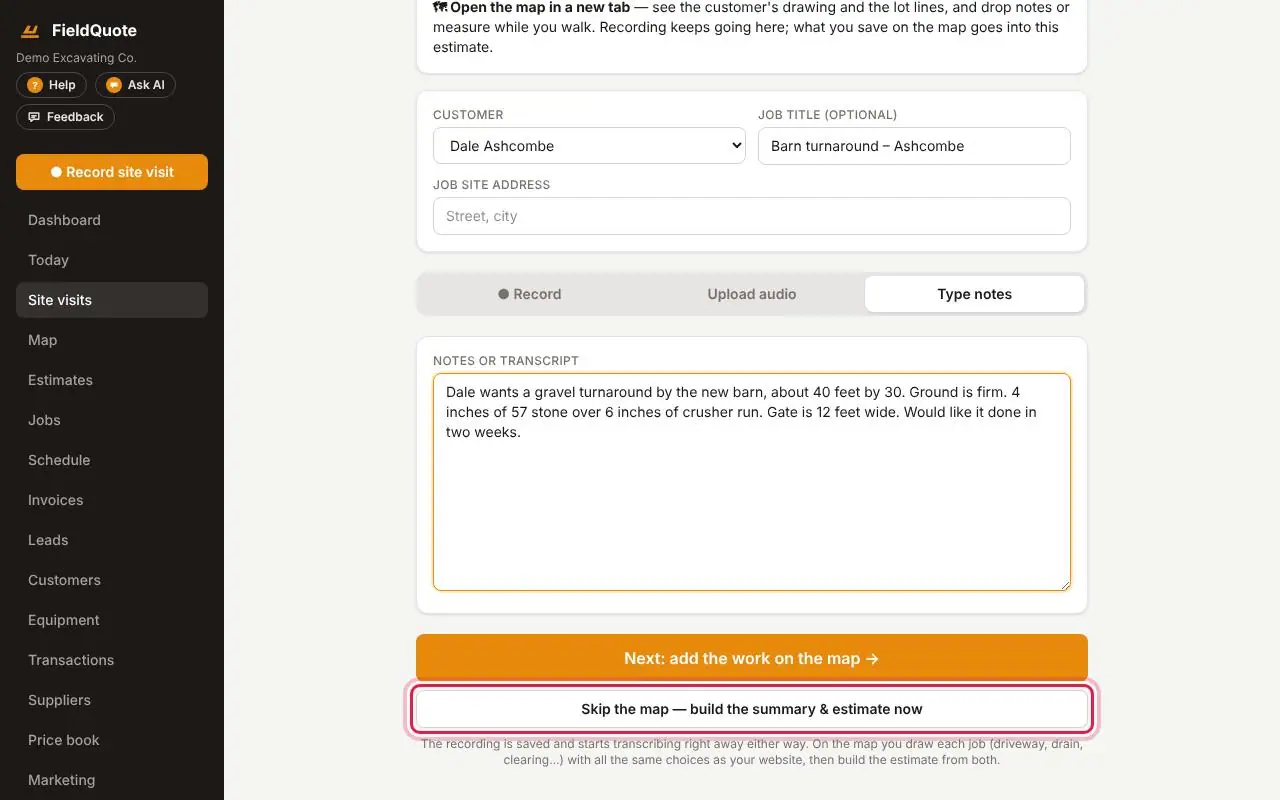
Tap Skip the map — build the summary & estimate now, or Next: add the work on the map.
The visit page opens. Your notes are under Notes, and the Summary and draft estimate are built from them.
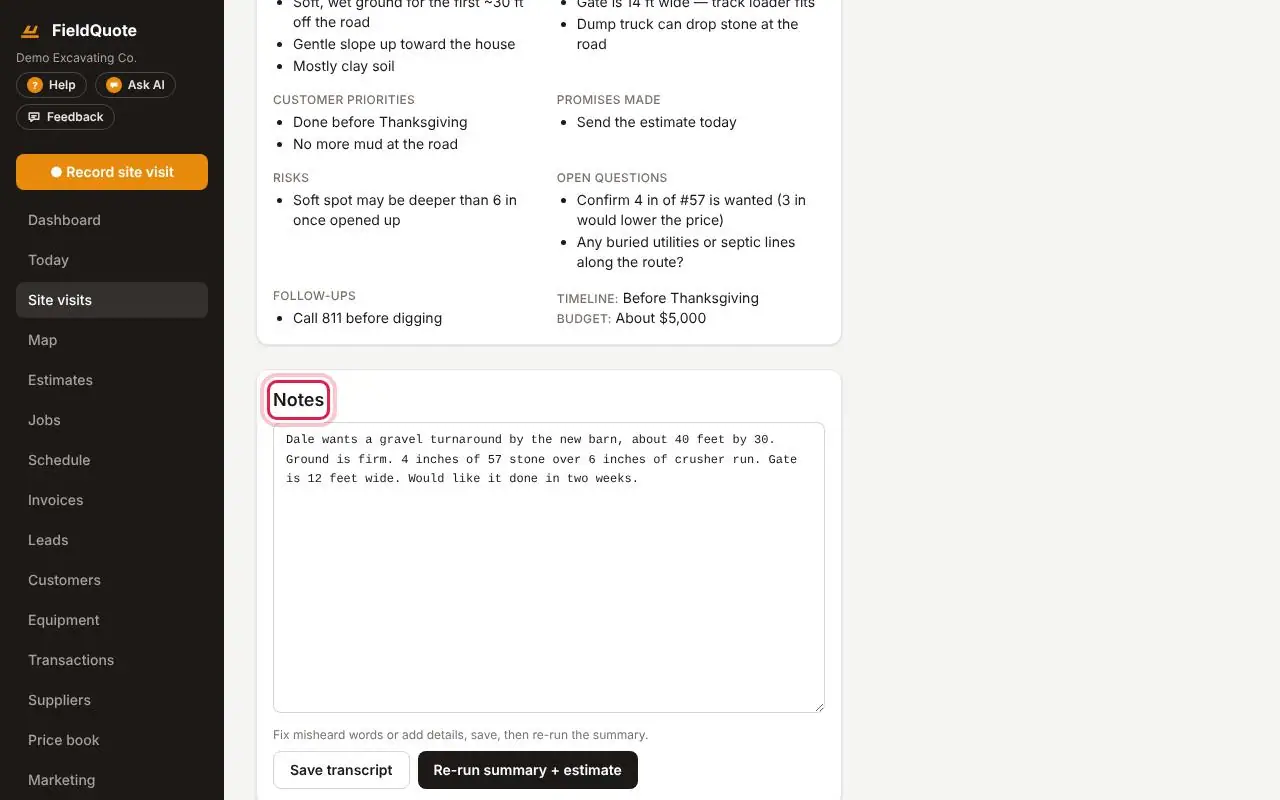
What you'll see
There is nothing to upload or type up, so it's ready sooner than a recording.
The Site visits list shows "notes" in the length column for visits made this way.
Common mistakes
Sending an empty box. You'll see "Type or paste your notes."
Leaving out numbers. The estimate can only use the measurements you write down.
Limits
No recording is kept, so there's nothing to play back.
There's no consent box on this tab, because nothing is recorded.
Checked against the app on Nov 8, 2026. Pictures are from Demo Excavating Co., a made-up company.