Team, accounts & security
Guide 3 of 14
What it's for
Getting yourself set up when your boss sends you an invite — on your phone or a computer, nothing to install.
Where
The link in the invite email from FieldQuote (it says who invited you) or in the text they sent you.
Watch it
Steps
Open the invite link. The page says Join Demo Excavating Co. on FieldQuote (your company's name) and who the invite is for.
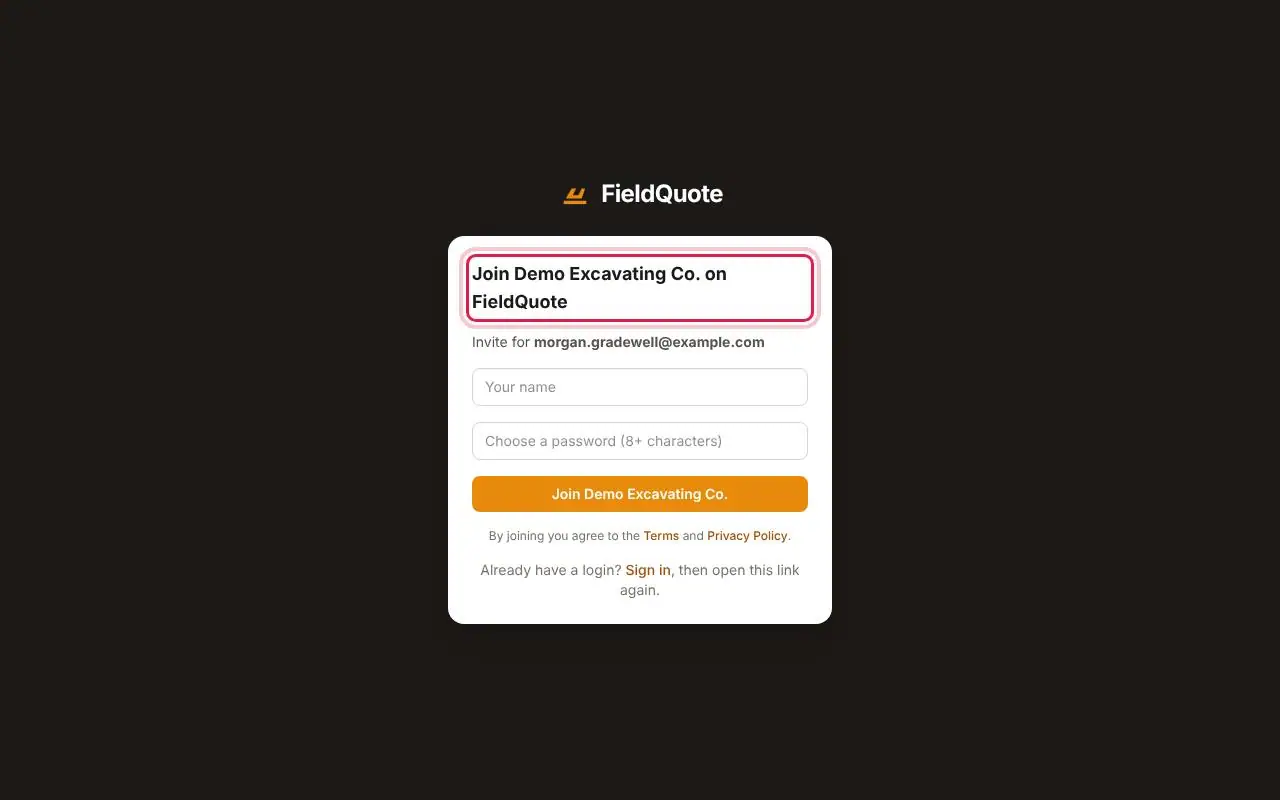
Type your name and choose a password of at least 8 characters.
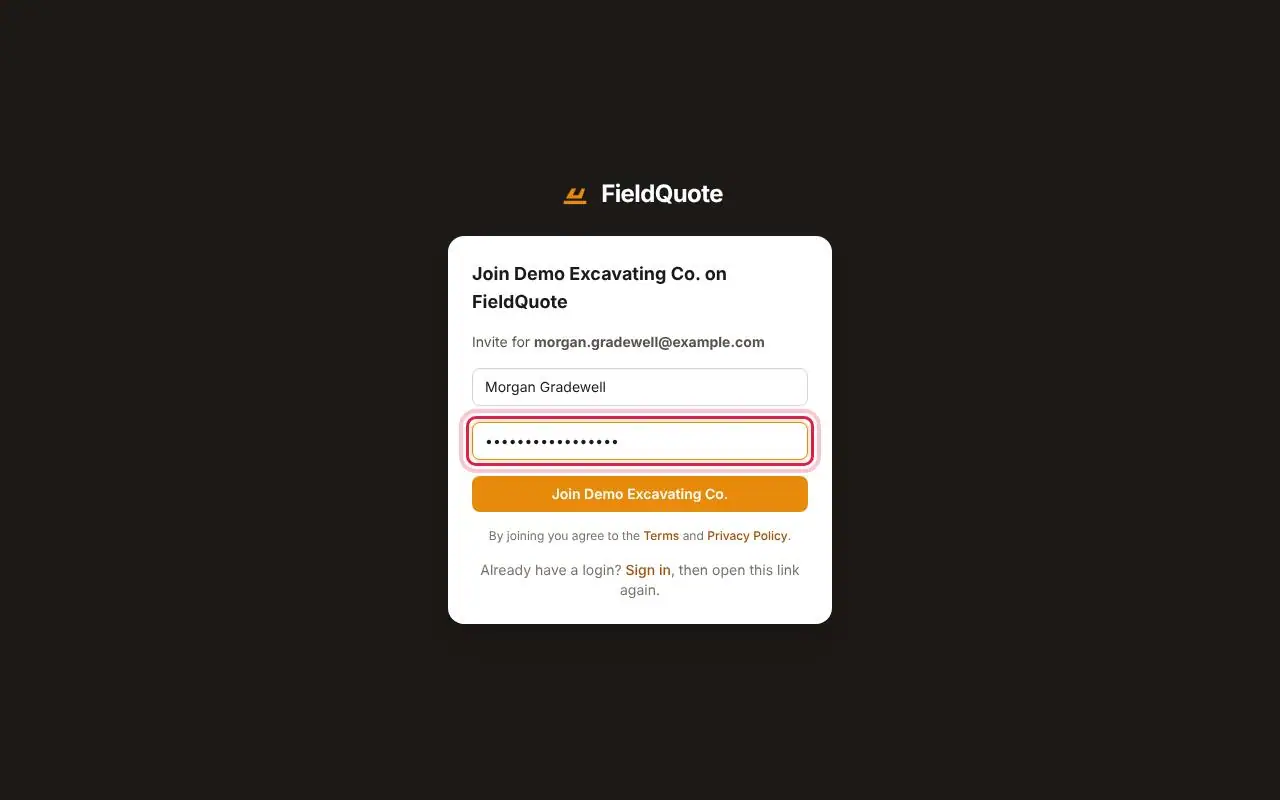
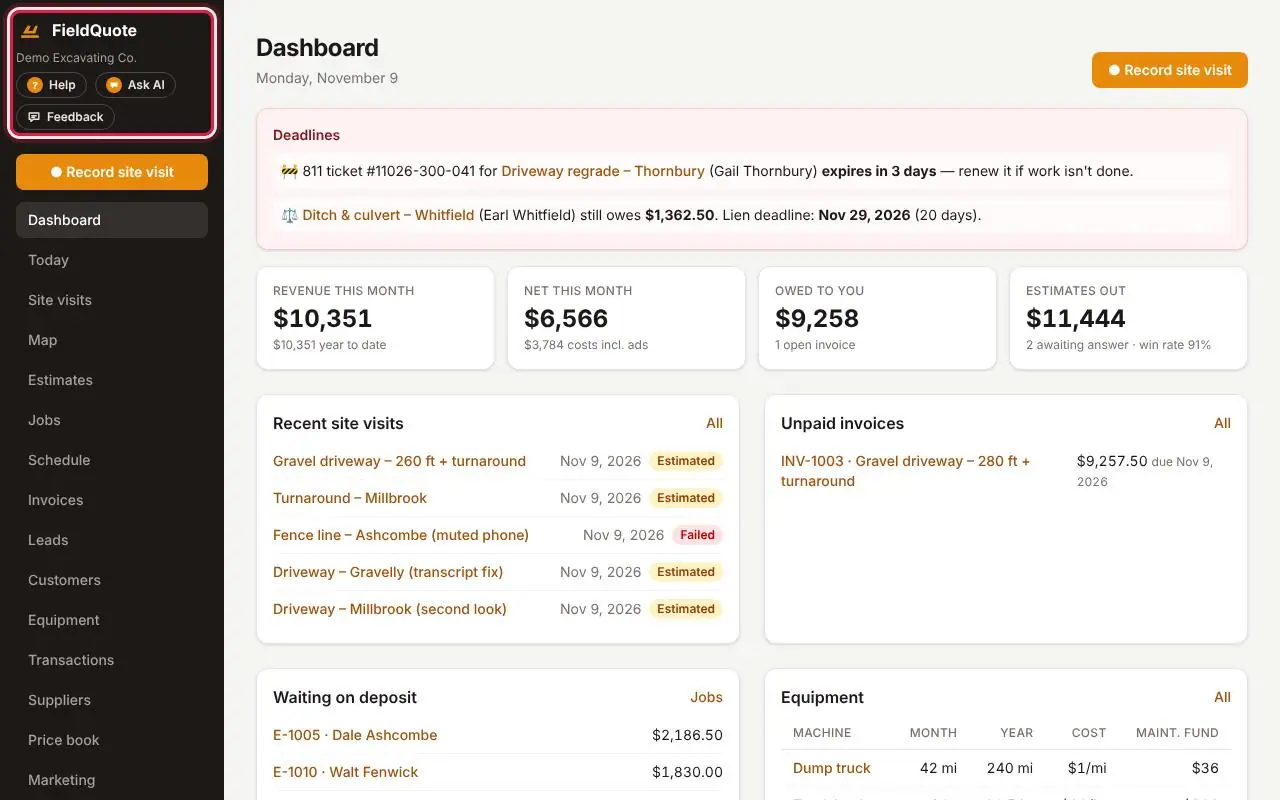
Tap Join Demo Excavating Co. (your company's name). You land on the Dashboard, signed in.
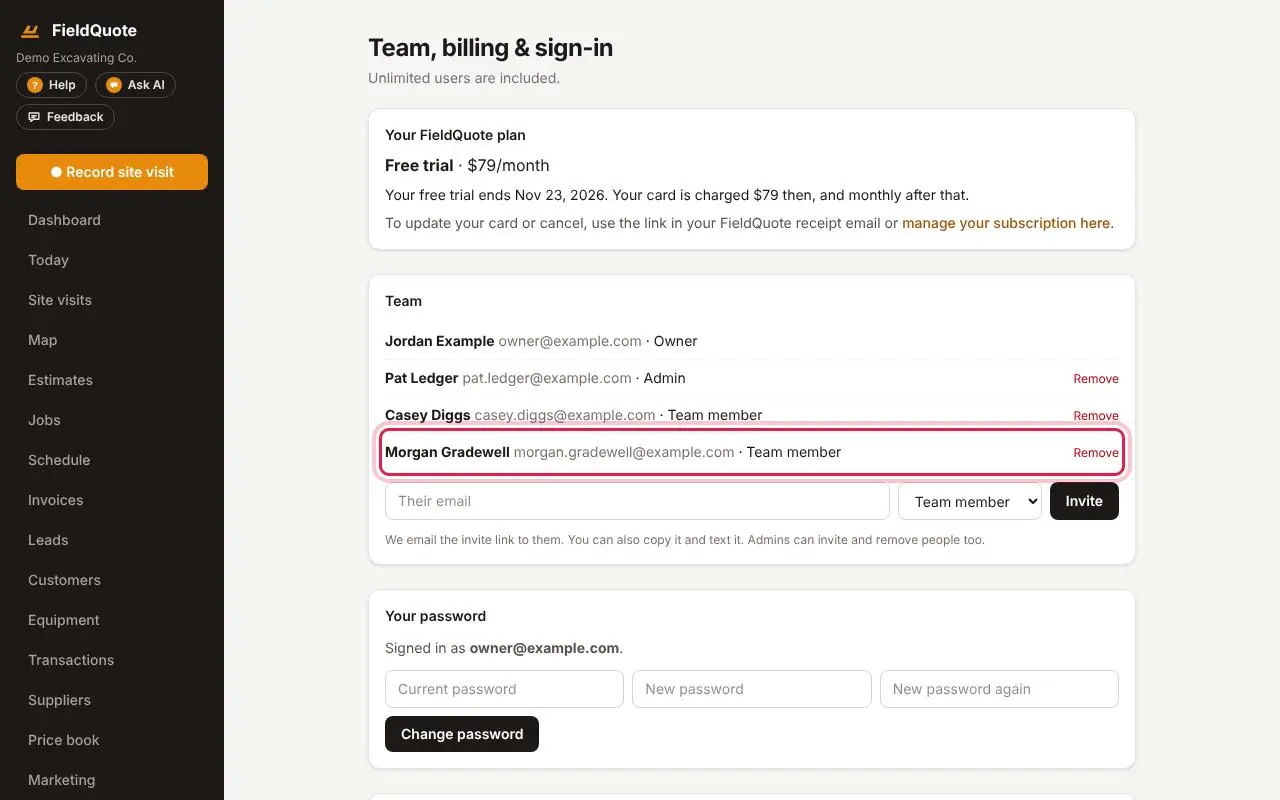
Your boss sees you on Team, billing & sign-in with your role.
What you'll see
From now on, sign in at the FieldQuote sign-in page with that email and password.
Help and Ask AI are at the top of every screen: step-by-step guides, and an assistant that answers your questions about FieldQuote (see Ask the assistant a question).
If you already had a FieldQuote login with that email, the page offers to let you sign in first, then open the link again.
Common mistakes
Opening the link while signed in as someone else. The invite is for one email: "This invite is for …. Sign out and open the link again."
An old link: "This invite link has expired or was already used. Ask your company for a new one."
A short password. It needs at least 8 characters.
Limits
The link works once and for 14 days.
By joining you agree to the Terms and Privacy Policy.
Checked against the app on Nov 9, 2026. Pictures are from Demo Excavating Co., a made-up company.